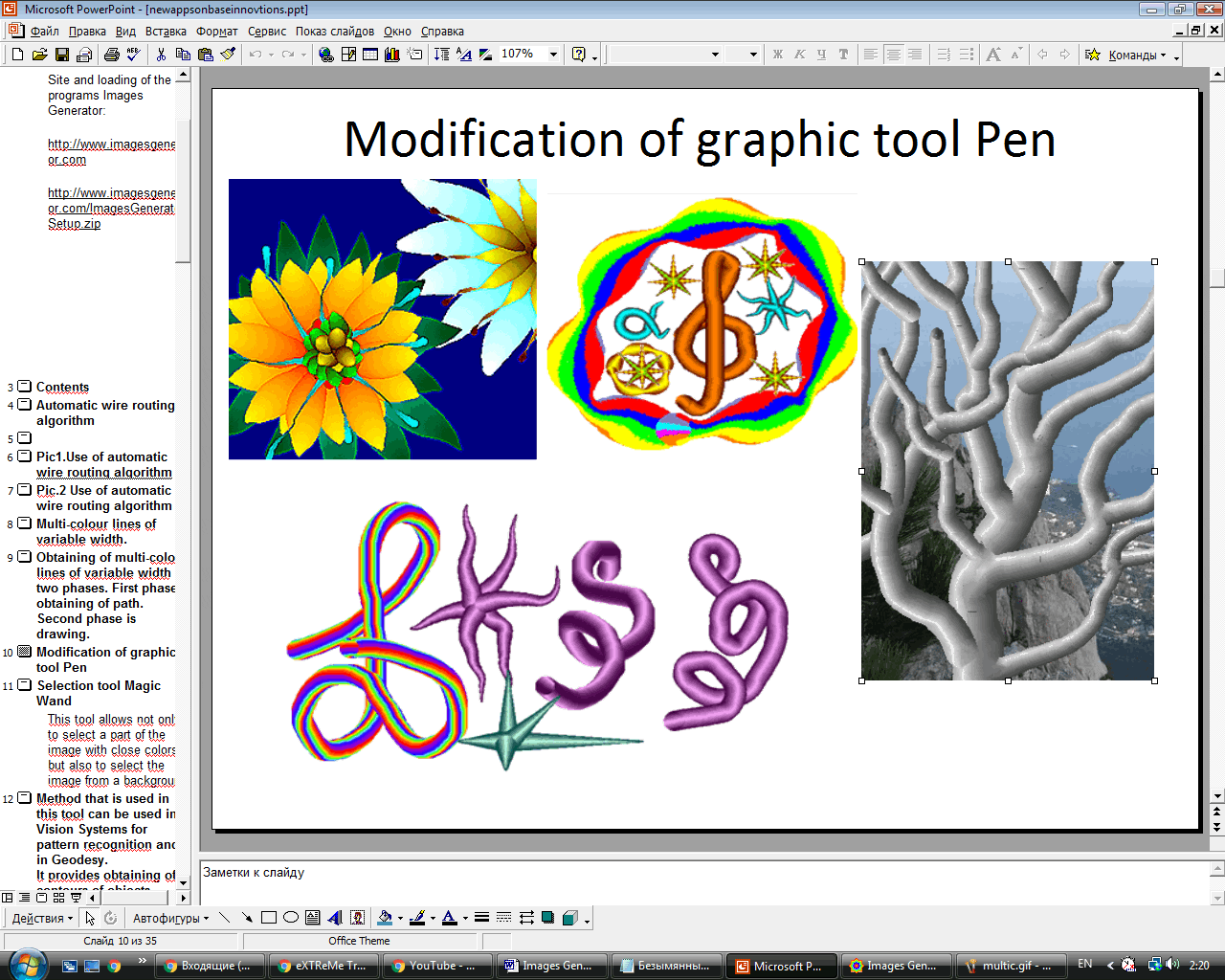
 Images Generator offers more than 150 graphic filters and converters. In this program, you will find a full set of 2D graphic tools and some items for 3D image creation.
The software allows you to receive lines of a complex configuration. For every line, you can choose a color and level of transparency. These lines can be used for plotting, textile industry, or paper manufacture.
Images Generator offers more than 150 graphic filters and converters. In this program, you will find a full set of 2D graphic tools and some items for 3D image creation.
The software allows you to receive lines of a complex configuration. For every line, you can choose a color and level of transparency. These lines can be used for plotting, textile industry, or paper manufacture.
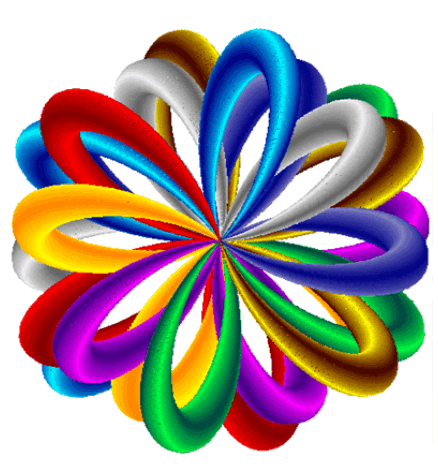 Besides, the program perfectly suits web-graphic creation. So, you can quickly design animations, icons, frameworks, buttons, and other elements. Images Generator lets you design elements for web pages or make a professional website.
Another way to have fun when editing your pictures is by adding the cartoon effect to them. Check out the best apps for that.
Images Generator supports a wide range of graphical formats. Moreover, when you load the images, you can use various effects, add texts, or correct some defects.
Besides, the program perfectly suits web-graphic creation. So, you can quickly design animations, icons, frameworks, buttons, and other elements. Images Generator lets you design elements for web pages or make a professional website.
Another way to have fun when editing your pictures is by adding the cartoon effect to them. Check out the best apps for that.
Images Generator supports a wide range of graphical formats. Moreover, when you load the images, you can use various effects, add texts, or correct some defects.
 Images Generator offers a raster transformation option that enables you to create portraits based on digital pictures. This method allows you to receive high-quality realistic pictures.
Moving on, the software includes an unlimited number of shape templates – you can select preferable sizes, proportions, or angles of turn. Moreover, you can mix all these templates to generate a new one.
Images Generator can be used as image storage for such components as electrical symbols, hieroglyphs, pictures of animals, and clothes. This function allows you to generate ads, greeting cards, and others. Plus, you can even use this program for fitting clothes.
Images Generator offers a raster transformation option that enables you to create portraits based on digital pictures. This method allows you to receive high-quality realistic pictures.
Moving on, the software includes an unlimited number of shape templates – you can select preferable sizes, proportions, or angles of turn. Moreover, you can mix all these templates to generate a new one.
Images Generator can be used as image storage for such components as electrical symbols, hieroglyphs, pictures of animals, and clothes. This function allows you to generate ads, greeting cards, and others. Plus, you can even use this program for fitting clothes.
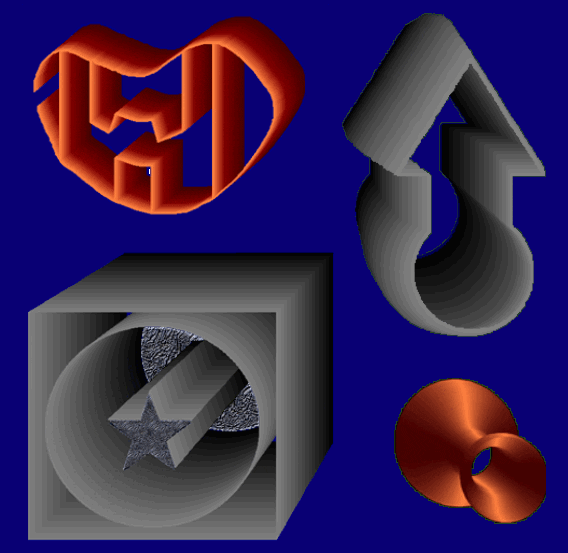
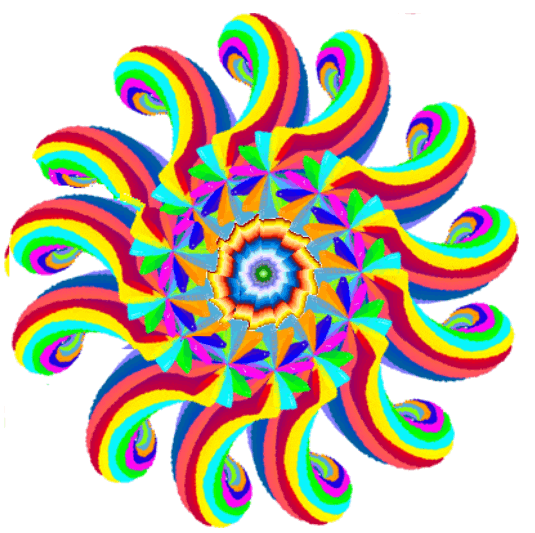 What is more, this program is suitable for engineering projects. It enables you to create three-dimensional images for engineering or mathematical modeling. Drawings, painted art, textile patterns, ornaments – all these things are waiting for you!
By the way, check out our article about the gender swap apps – this photo editing is funny enough to prank your friends or boyfriend/girlfriend and have fun together.
Overall, Images Generator is truly worth downloading. It provides a great number of visual effects to create a unique image. This is a must-have tool for architects, designers, developers, or novice users fond of this type of work.
What is more, this program is suitable for engineering projects. It enables you to create three-dimensional images for engineering or mathematical modeling. Drawings, painted art, textile patterns, ornaments – all these things are waiting for you!
By the way, check out our article about the gender swap apps – this photo editing is funny enough to prank your friends or boyfriend/girlfriend and have fun together.
Overall, Images Generator is truly worth downloading. It provides a great number of visual effects to create a unique image. This is a must-have tool for architects, designers, developers, or novice users fond of this type of work.
List of reviewed apps:
Key Features
- 150+ graphic filters and converters for instant image transformation
- Complete 2D graphics toolkit plus 3D image creation capabilities
- Customizable line tools with color and transparency controls
- Web design elements including icons, buttons, animations, and frameworks
- Collage creation and photo processing in one unified interface
Pros and Cons
- Pros: Beginner-friendly interface makes learning curve painless; versatile enough for graphic design, web content, and engineering diagrams; impressive filter library gives professional results without premium subscriptions
- Cons: May feel feature-heavy for users who just want basic photo editing; desktop-focused design might limit mobile usability
Bottom Line
Download Images Generator if you’re serious about creating graphics without hiring a designer. Whether you’re building a website, designing marketing materials, or just want to experiment with digital art, this all-in-one tool delivers professional results without the professional price tag—and without needing a design degree either.