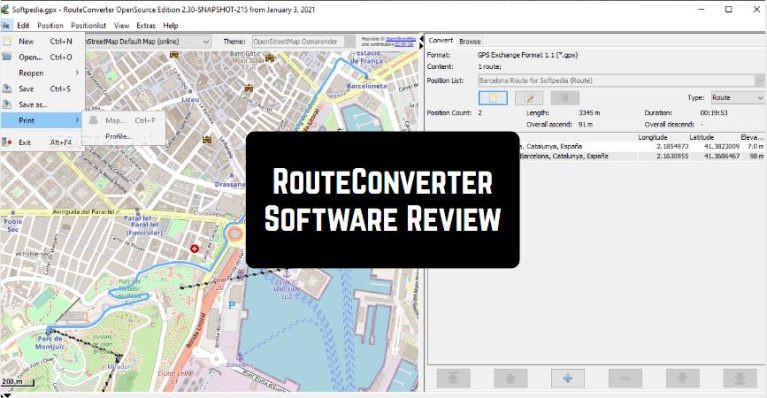
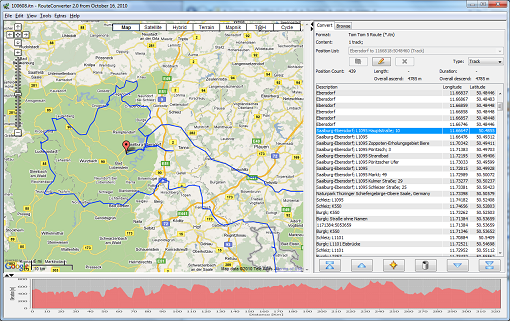
 The RouteConverter program has a clean and understandable layout, it provides quick access to the Google map, which makes it possible to zoom in or out, insert or remove waypoints, as well as select different viewing technologies. For example, satellite, hike, cycle).
In addition, the program can do major editing actions. For example, cut, copy, paste, delete), undo, search for location, and split or join waypoints.
The rest of the necessary features, which should be mentioned, are showed by the ability to select a unit of measurement and coordinate format, select a time zone and print, or export the generated information to GPX, TRK, CSV, KML, TRK, KRT or a text file.
In addition, you can import data from the same recording formats that were described before.
The RouteConverter program has a clean and understandable layout, it provides quick access to the Google map, which makes it possible to zoom in or out, insert or remove waypoints, as well as select different viewing technologies. For example, satellite, hike, cycle).
In addition, the program can do major editing actions. For example, cut, copy, paste, delete), undo, search for location, and split or join waypoints.
The rest of the necessary features, which should be mentioned, are showed by the ability to select a unit of measurement and coordinate format, select a time zone and print, or export the generated information to GPX, TRK, CSV, KML, TRK, KRT or a text file.
In addition, you can import data from the same recording formats that were described before.
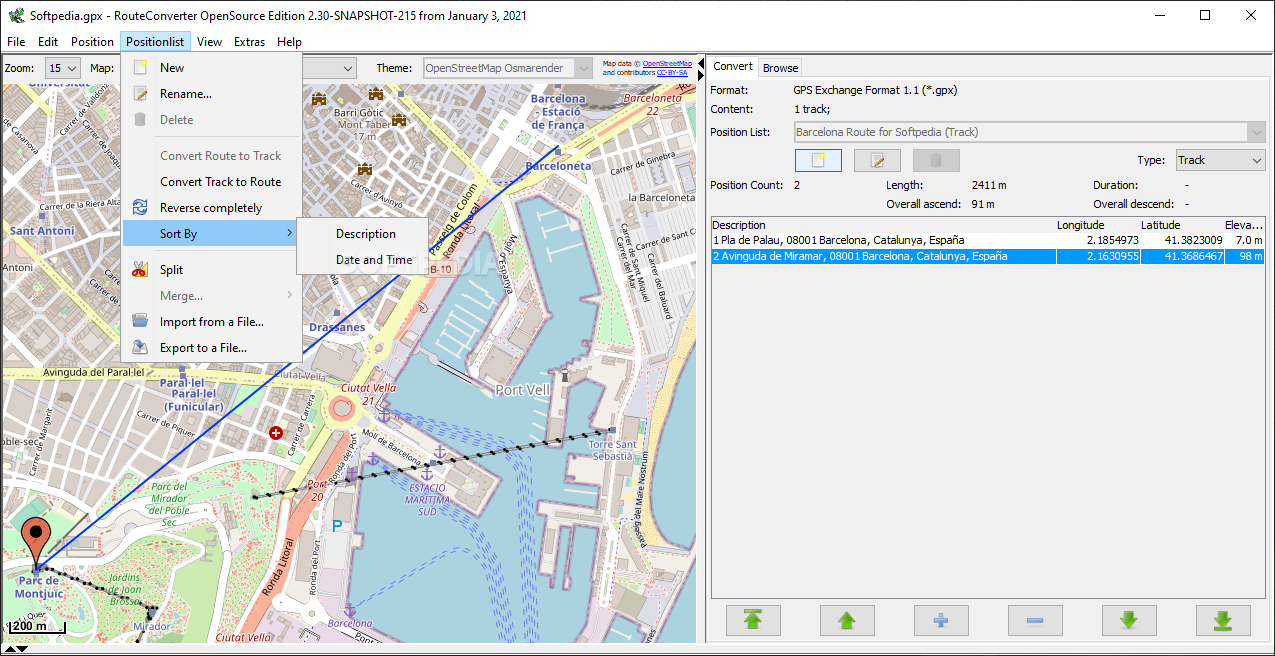 You can build a route plan for the application for driving or walking, avoid unnecessary roads along the route, make explanations for waypoints, import routes from a file or URL, and it is also possible to select from various established route categories.
More GPS tracking apps can be found here.
RouteConverter is a utility that can convert log files of various GPS trackers or waypoints (waypoints) into the formats you need. The best part is that RouteConverter is licensed under the GNU license, which is completely free.
You can build a route plan for the application for driving or walking, avoid unnecessary roads along the route, make explanations for waypoints, import routes from a file or URL, and it is also possible to select from various established route categories.
More GPS tracking apps can be found here.
RouteConverter is a utility that can convert log files of various GPS trackers or waypoints (waypoints) into the formats you need. The best part is that RouteConverter is licensed under the GNU license, which is completely free.
List of reviewed apps:
Key Features
- Supports over 81 GPS file formats from all major navigation devices
- Convert between GPS formats like CSV, KML, GPX and many others
- View routes, waypoints, and tracks on interactive Google Maps
- Edit GPS data with cut, copy, paste, delete, undo, and split/join functions
- Switch between multiple map viewing modes including satellite, hiking, and cycling views
Pros and Cons
- Pros: Completely free with no hidden costs or ads
- Pros: Massive format support means compatibility with virtually any GPS device
- Pros: Intuitive interface makes it easy for casual users to navigate
- Cons: Windows-only software (no Mac or Linux support)
- Cons: Limited advanced features compared to professional GPS editing tools
Bottom Line
RouteConverter is a must-have for hikers, travelers, and GPS enthusiasts who need to view and edit routes without spending a dime. If you regularly work with GPS files from different devices and want a straightforward, no-fuss converter, this free program delivers exactly what you need.