You know that scramble after a meeting, trying to remember who agreed to what while your own notes trail off mid-sentence? AI meeting notes apps take that job off your hands. They record the conversation, turn it into an accurate transcript, and hand you a short summary with the action items already pulled out. Some sit in on your Zoom and Teams calls; others just listen to the room straight from your phone.
We tested each of these in real meetings, messy standups, client calls, and a couple of in-person chats, and judged them on transcript accuracy, how useful the summaries were, and how honest their free tiers really are. We also noted where the free plan runs out, because most of these apps feel generous right up until they suddenly aren’t. Every pick here runs on both Android and iOS, so you’re covered whichever phone is in your pocket.
A few even double as a searchable archive of everything you’ve ever discussed, which is worth its weight the next time someone asks “wait, what did we actually decide?” If you also want a good home for the notes you type by hand, take a look at our roundup of Cross-Platform Note-Taking Apps.
Otter.ai
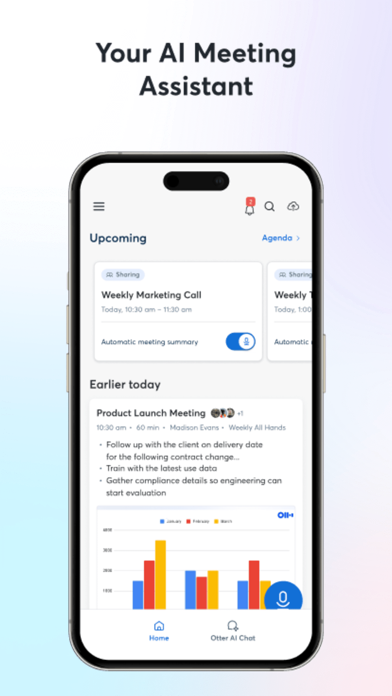
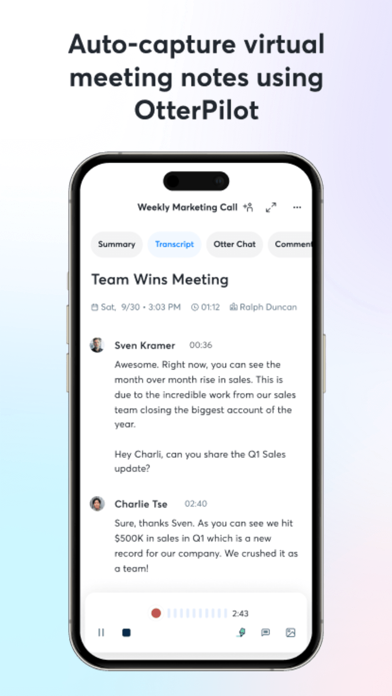
Otter is the name most people reach for first when they picture live transcription. Open the app, hit record, and you watch the words appear on screen while someone is still mid-sentence, which is oddly satisfying during a long standup. It can also join your Zoom, Google Meet, and Teams calls to take notes so you get to look people in the eye instead of your keyboard.
We ran it through a rambling 40-minute planning call, and the automatic summary pulled out the decisions and a tidy action-item list without us lifting a finger. Speaker labels landed mostly right once we tagged a few voices, and tapping any line jumps you straight to that moment in the audio.
Main features:
- Live transcription with on-screen captions as people speak
- Auto-summaries with highlights and action items
- Joins Zoom, Google Meet, and Microsoft Teams to take notes for you
- Speaker identification you can correct and tag
- Search across every past conversation and export as text
The free Basic plan gives you 300 transcription minutes a month and caps each conversation at 30 minutes, so a day of back-to-back meetings burns through it faster than you’d expect.


Fireflies.ai
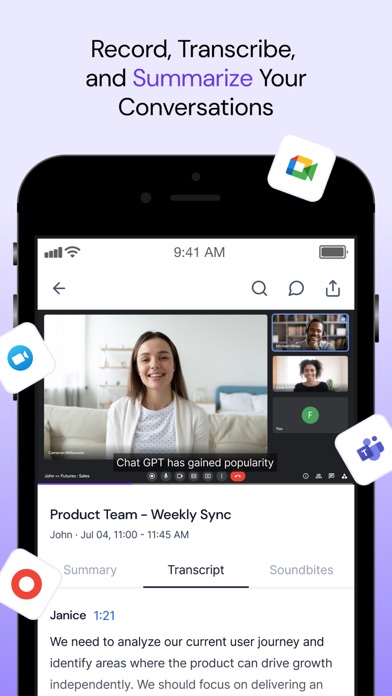
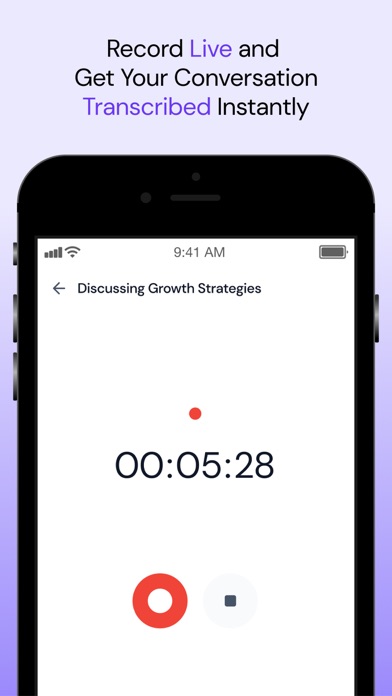
Fireflies works a little differently. Instead of you doing the recording, its notetaker bot slips into the meeting, listens, and hands you a transcript and summary once everyone hangs up. That means you can stay fully in the conversation and still find a clean write-up waiting for you afterward, and the mobile app keeps those recaps in your pocket for a quick review on the bus.
We invited Fireflies to a client call and, a couple of minutes after saying goodbye, got a summary with topics, open questions, and next steps already sorted. Asking its AskFred assistant “what did we promise the client?” pulled the answer right out of the transcript, which felt like cheating in the best way.
What it does well:
- A notetaker bot that auto-joins and records your calls
- Summaries with topic breakdowns and action items
- AskFred AI chat to question any meeting in plain English
- Unlimited transcription on the free plan
- Central, searchable library of every recorded meeting
The free plan won’t let you download or export transcripts, and its AI features draw from a small one-time credit pool, so heavy summarizing quietly pushes you toward a paid seat.
Notta
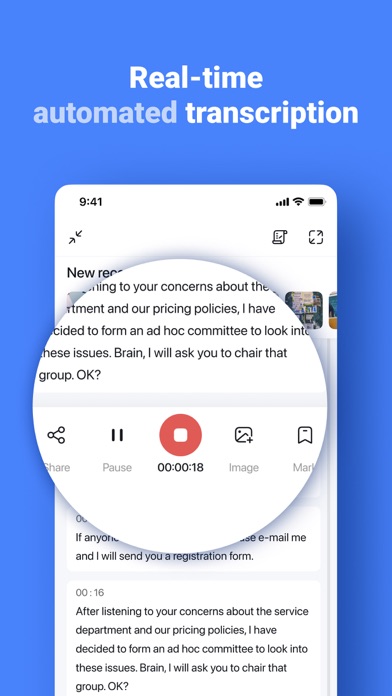
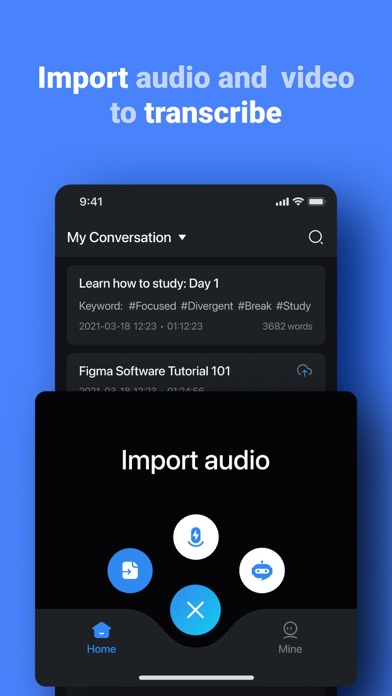
Notta leans hard into speed and languages, which makes it a favorite for anyone whose meetings hop between English, Spanish, and Japanese in a single hour. The interface is refreshingly beginner-friendly: press one big button and start talking. It handles both live recording and uploaded audio files, so those old voice memos finally become searchable text.
Testing a bilingual interview, Notta kept pace surprisingly well and produced a transcript we could edit and summarize in seconds. Exporting to PDF or a shareable link took two taps, which is handy when a teammate just wants the gist without installing yet another app.
Key tools:
- Real-time transcription in 40-plus languages
- Import audio and video files for transcription
- AI summaries with key points and action items
- Export to PDF, TXT, DOCX, or a shareable link
- Recordings that sync between your phone and the web
Notta is generous with languages but stingy with time: the free plan caps you at 120 minutes a month and just 3 minutes per recording, so it’s more of a taster than a daily driver.
tl;dv

tl;dv made its name recording Zoom, Google Meet, and Teams calls on desktop, and the mobile app is its companion for the conversations that happen away from your laptop. Think hallway chats, coffee catch-ups, and site visits: you open the app, record the room, and get the same AI transcript and summary treatment. It’s the pick for people whose most important meetings aren’t always on a screen.
We recorded an in-person brainstorm and later found the exact moment someone greenlit the budget by searching a single keyword, then clipped it to share. The summaries flag key topics and action items, and everything syncs back to your tl;dv library right alongside your online meetings.
Why it earns a spot:
- Records in-person conversations straight from your phone
- Unlimited recordings and transcription on the free plan
- AI summaries with timestamps and action items
- Keyword search that jumps you to the exact moment
- Syncs with your desktop tl;dv meeting library
On the free tier your recordings auto-delete after three months and AI summaries are capped at 10 a month, so it rewards you for reviewing notes promptly instead of hoarding them.
You may also like: Free To Do List Apps for iPhone & iPad.
Krisp

Krisp started as the app that scrubbed barking dogs and clattering keyboards out of your calls, and it has grown into a full note taker built on that same clean audio. Because it silences background noise before transcribing, the notes it produces tend to come out sharper than tools fighting through a noisy cafe. It records in-person meetings and online calls alike, all from your phone and without a bot dialing in.
We put it on a call from a busy kitchen, and the person on the other end had no clue anything was off; the transcript came back clean, with a summary and action items attached. That noise cancellation toggle alone makes it worth keeping around on days you don’t even need notes.
What you get:
- AI noise cancellation that strips out background sound
- Records and transcribes in-person and online meetings
- Summaries with key points and action items
- Works across your calls without a meeting bot joining
- Discussion and Q&A breakdowns of each conversation
The free plan limits you to two AI meeting notes a day and English-only transcripts, plus a rolling seven-day history, so anything past light use nudges you toward an upgrade.
Read AI
Read AI goes past a plain transcript and tries to read the room, almost literally. Alongside notes and summaries, it scores engagement and sentiment, so you get a feel for how a meeting actually landed rather than only what was said. The app captures in-person audio and folds in your Zoom, Meet, and Teams meetings into one searchable feed.
After a team sync, Read handed us a summary, a list of action items, and a small dashboard showing where attention dipped, a gentle hint that our updates had run long. You can also ask it questions across all your past meetings, which turns weeks of calls into something you can genuinely query.
Highlights:
- Transcripts and summaries with clear action items
- Engagement and sentiment analytics for each meeting
- Captures in-person audio plus Zoom, Meet, and Teams
- Ask questions across all of your past meetings
- Shareable meeting reports and highlight reels
You’ll need to create an account to get started, and the free plan stops at five meetings a month, which suits light users far better than anyone living in back-to-back calls.
For most people, Otter and Fireflies cover the everyday meeting grind, with Otter best for live capture you control and Fireflies best for a hands-off bot that writes everything up. Notta earns its keep if your calls switch languages, while tl;dv and Krisp shine for in-person conversations and genuinely noisy rooms. Read AI is the one to try when you care less about the exact words and more about how the meeting actually went. Start on the free tier, see where you hit the ceiling, and pay only for the one app that keeps earning it.