Cursa is a high-quality educational app that provides its users with a number of courses in various areas.
You may also like: 9 Best apps to help you with homework (Android & iOS)
The first step is to create your profile; you’ll have to register using your email and name.
Then, select the courses you’re interested in: IT, Languages, Health, Art, Business, and many more!
Click on the “cap” button on the bottom of the screen, that’ll take you to the news feed. On the top, you’ll see stories, which usually have different tips, articles, and questions.
The news feed will suggest courses in your categories, recommend the best teachers, and suggest articles. The information may or may not be related to the courses you’ve selected. Nevertheless, it will be useful!
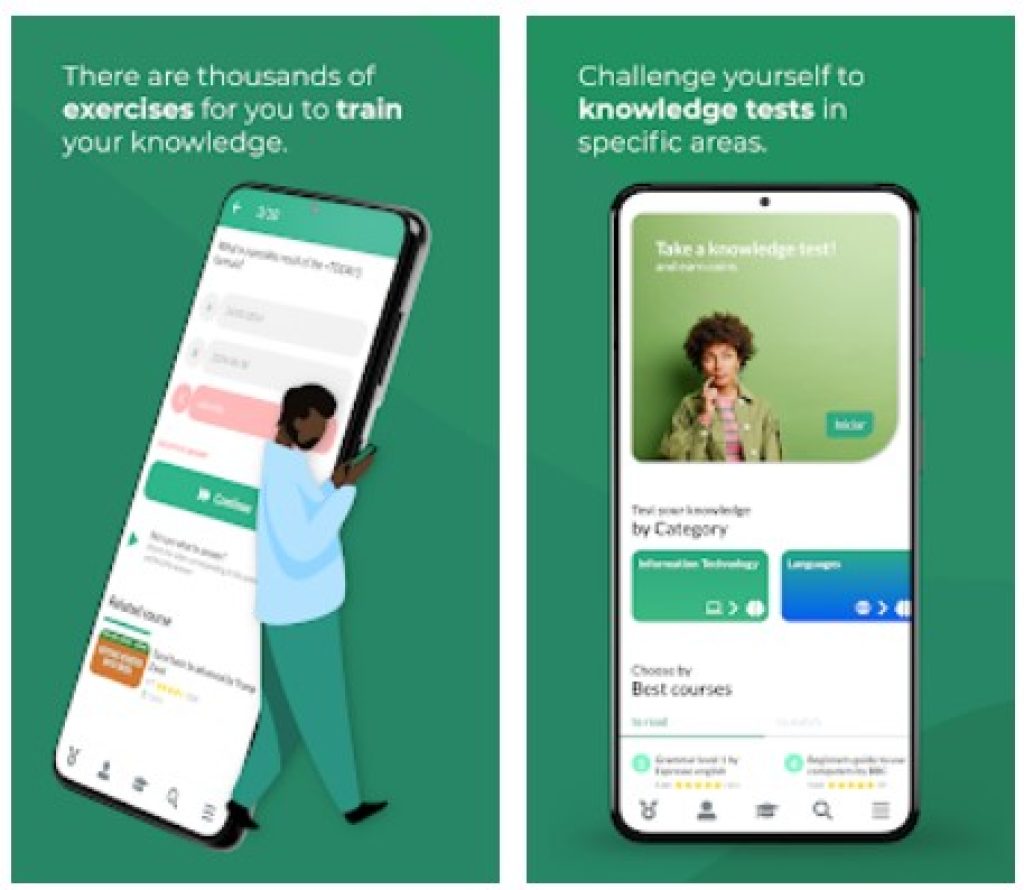
Tap on a course to begin studying. You will see a video on top, and some extra features on the bottom, such as a discussion forum, resources, related courses, etc.
You may also like: 15 Best apps to learn Spanish for Android & iOS
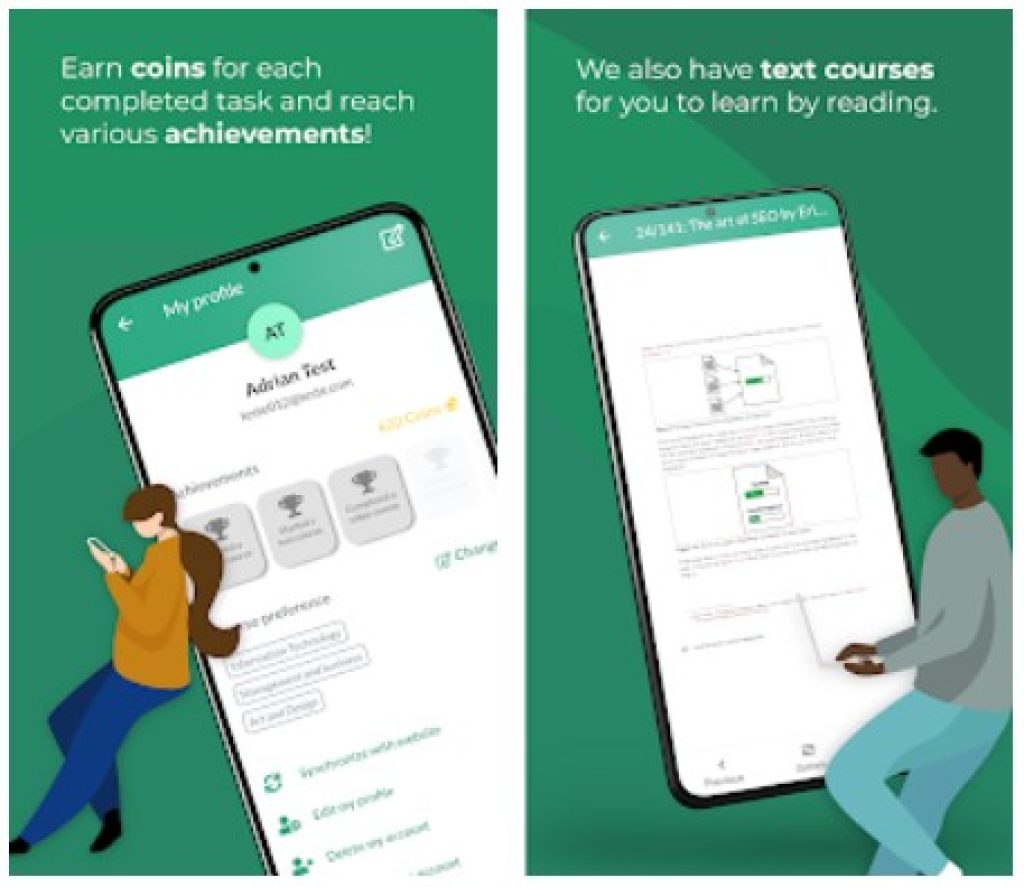
Press on the profile icon to view your achievements and course preferences. Achievements are obtained by completing courses and thus earning coins. If you wish, you can see your ranking among other users by choosing “See the ranking”.
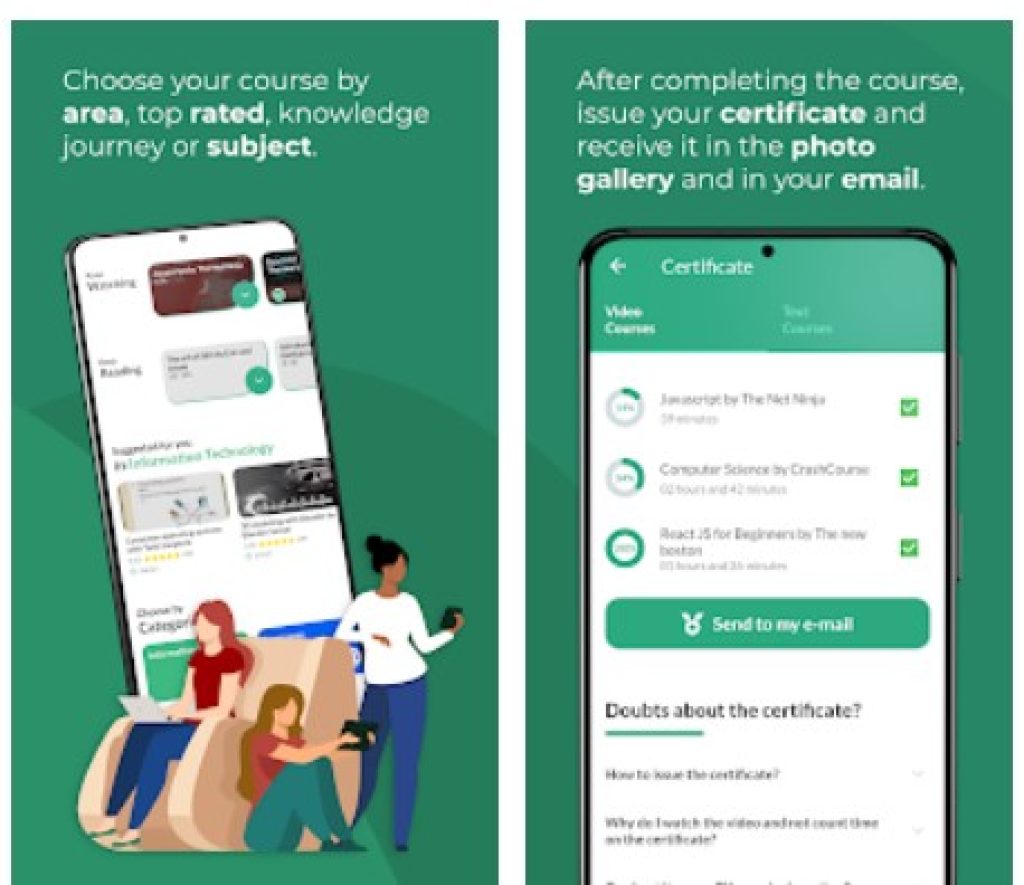
After you’ve completed the course, you’ll be issued a certificate. You can even use it for your resume! If your employee wants to check whether you really completed the course, they simply need to go to the Cursa website’s verify section and enter the email you used for registration.
Upgrade to premium to watch courses offline, remove ads, gain access to challenges and training, and get developers’ support by WhatsApp!
Click on the hamburger menu on the bottom right corner of the app, and choose “Configurations” to adjust the app to your best liking: choose your language (English, Spanish, French, Portuguese, Hindi), turn on subtitles, allow notifications to get daily reminders, or switch to dark mode.
All in all, Cursa is an amazing app that can improve your knowledge in many spheres and award you a certificate that may be helpful in the future!
You may also like: 11 Best Offline Navigation Apps for Android & iOS

Key Features
- Diverse course library spanning IT, Languages, Health, Art, Business, and more
- Video-based learning content with supplementary materials and resources
- Community engagement through discussion forums and peer interaction
- Personalized news feed with course recommendations and curated articles
- Achievement tracking system to monitor your learning progress
Pros and Cons
- Pros:
- Wide variety of subjects means there’s likely something for everyone
- Combines structured courses with community features for a well-rounded learning experience
- Achievement badges add a fun gamification element to keep you motivated
- Cons:
- News feed suggestions aren’t always directly relevant to your selected interests
- Quality and teaching style may vary significantly between different instructors
Bottom Line
Download Cursa if you’re looking for a flexible, all-in-one learning platform that doesn’t take itself too seriously. Whether you want to pick up a new language, dive into tech, or explore creative pursuits, this app offers enough variety and community support to make your educational journey actually enjoyable.