 Time management and business organization are the things without which the life and work of a modern person are impossible.
There is a great number of planners with various functionality and for any audience. But developers continue to create new ones, and users do not stop downloading them. There are also non-standard planners, such as NOT To Do List from Novix Technology.
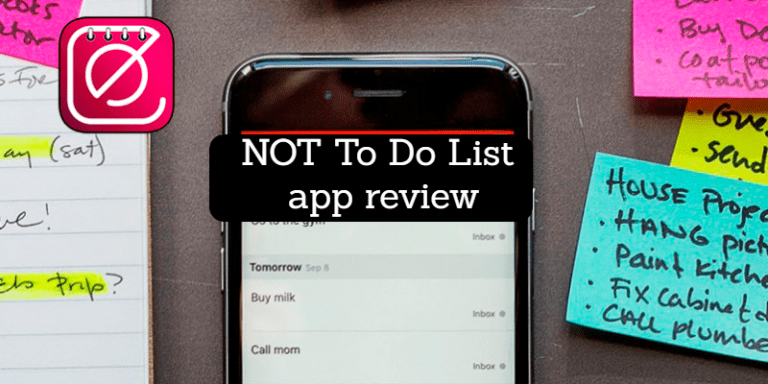
The NOT To Do List app is a helper for the everyday business that you’re constantly forgetting to do. For example, you’re constantly forgetting about the useful habit of doing morning exercises. Or you’ll have to check your morning mail, but you’re always distracted and don’t… Download the NOT To Do List app, set a reminder, and you’ll never forget to do something really important.
Time management and business organization are the things without which the life and work of a modern person are impossible.
There is a great number of planners with various functionality and for any audience. But developers continue to create new ones, and users do not stop downloading them. There are also non-standard planners, such as NOT To Do List from Novix Technology.
The NOT To Do List app is a helper for the everyday business that you’re constantly forgetting to do. For example, you’re constantly forgetting about the useful habit of doing morning exercises. Or you’ll have to check your morning mail, but you’re always distracted and don’t… Download the NOT To Do List app, set a reminder, and you’ll never forget to do something really important.
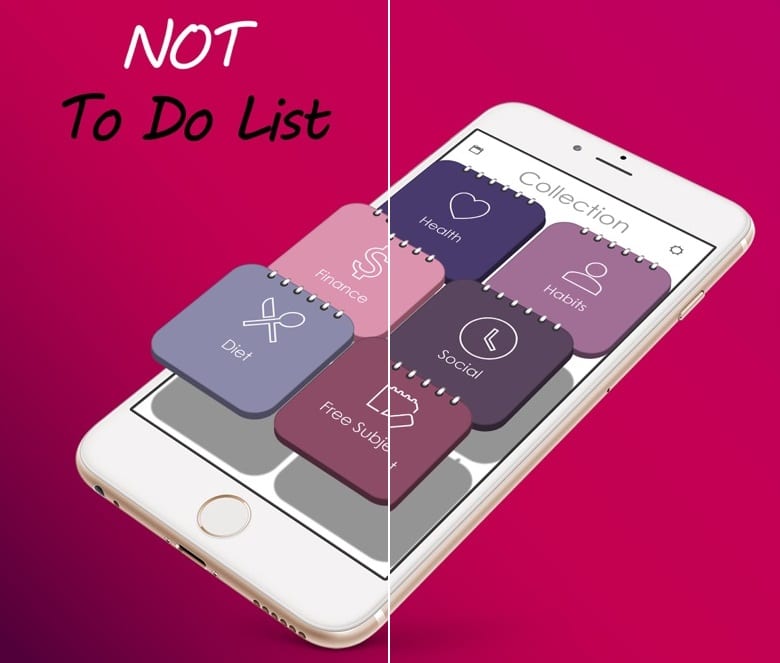 Use the built-in free templates with a ready list of tasks that you shouldn’t forget or think of your own. Group them according to your needs. For maximum application efficiency, set up an alert and you won’t miss a thing you’re always forgetting. The program has a system of reminders for minutes, time of day and days of the week. If necessary, all your notes can be stored under a password. Tasks can be divided into categories, giving priority to each of them. You also have the opportunity to see the list of nearest cases for today.
List of reviewed apps:
The main chips of the program:
- The design of the application almost exactly matches the real diary (notebook).
- You can change the frequency of reminders.
- A single reminder isn’t enough for you? No problem – set a random alert mode and get reminders all day long.
- Sort your cases into categories.
- Give priority to each case.

Key Features
- Customizable reminder system with minute-level, daily, and weekly scheduling options
- Pre-built task templates to jumpstart your “don’t forget” list
- Task grouping and organization by category or personal preference
- Password protection for sensitive tasks and notes
- Simple, intuitive interface designed to reduce friction when adding reminders
Pros and Cons
- Pros:
- Tackles a real problem — helping you remember the habits and chores you always skip
- Flexible reminder system covers different scheduling needs throughout your day
- Free templates save time if you’re starting from scratch
- Cons:
- Focused concept means it won’t replace a full-featured project management tool
- Effectiveness depends entirely on setting up reminders correctly (garbage in, garbage out)
Bottom Line
Download NOT To Do List if you’re the type who needs a friendly digital nudge to actually do those morning exercises or check your email. It’s perfect for anyone whose good intentions keep getting derailed by distraction, offering a lightweight solution that focuses on what you’re constantly forgetting rather than overwhelming you with complex features.