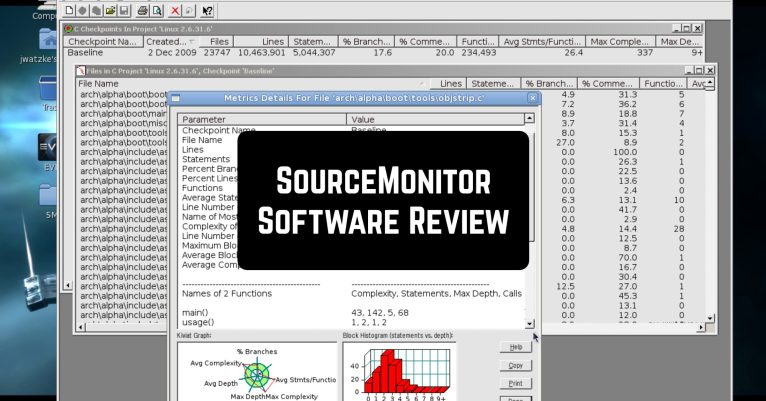
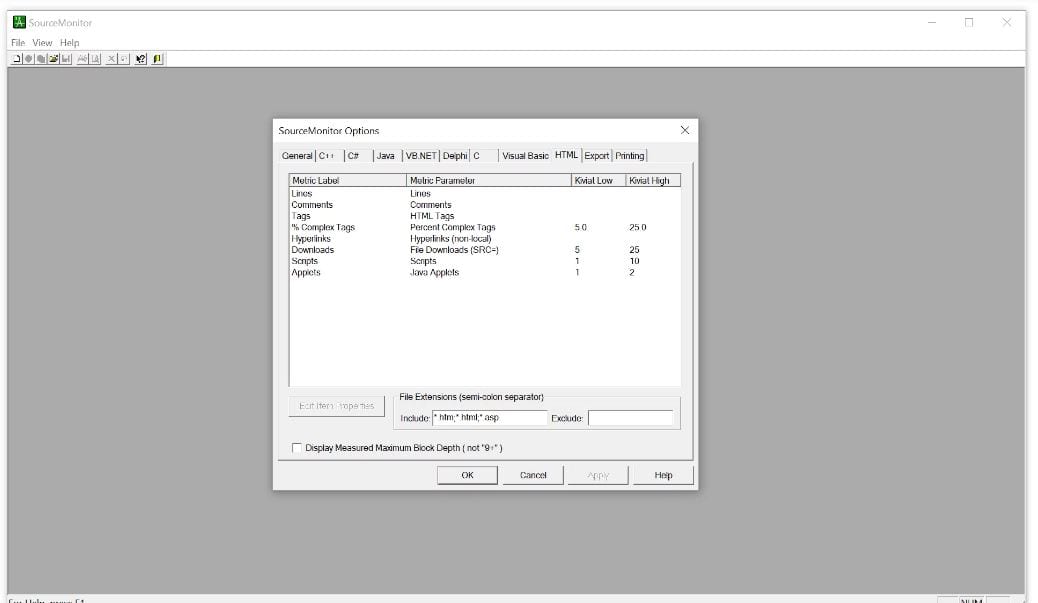
 The application is a software polyglot. It will easily understand code written in Java and HTML, Visual Basic (VB6), and the family of C languages, but not only these. After analyzing the code, the SourceMonitor will create clear tables and graphs and provide you with metrics.
Another monitoring software we advise to check is the last seen tracker apps – track the online activity of your friends on social media.
Metrics can be either in XML, or in CSV, or a sufficient number of other formats. The Source Monitor can even build Kiviat diagrams to facilitate work with multivariate data.
The application is a software polyglot. It will easily understand code written in Java and HTML, Visual Basic (VB6), and the family of C languages, but not only these. After analyzing the code, the SourceMonitor will create clear tables and graphs and provide you with metrics.
Another monitoring software we advise to check is the last seen tracker apps – track the online activity of your friends on social media.
Metrics can be either in XML, or in CSV, or a sufficient number of other formats. The Source Monitor can even build Kiviat diagrams to facilitate work with multivariate data.
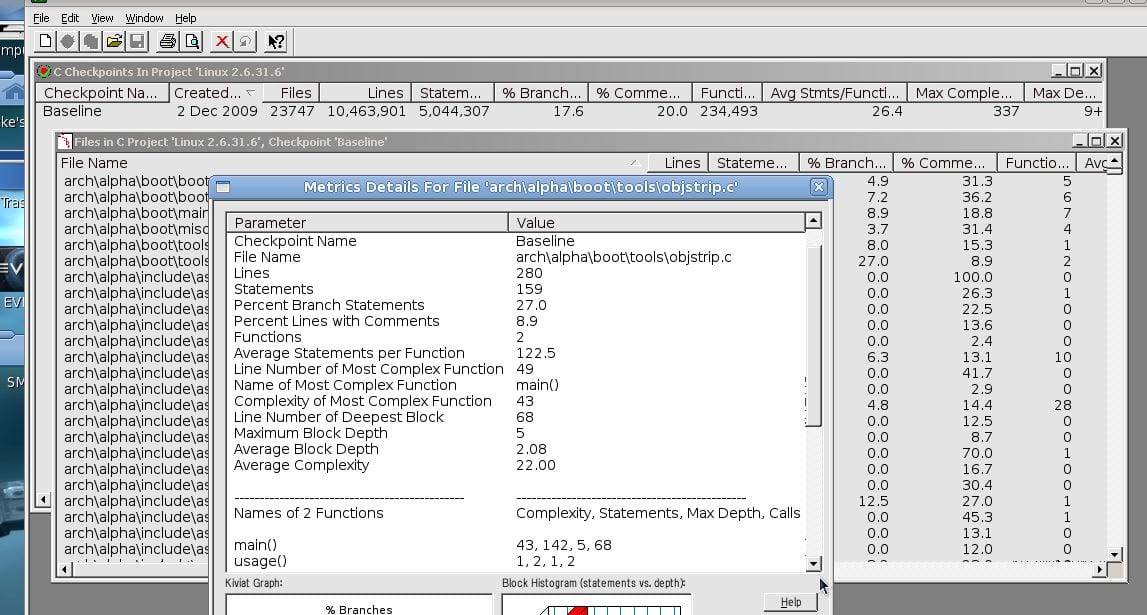 Once you are aware of the systematic view of code analysis, you can begin defect elimination, if any. You can immediately make changes to the analyzed code, it is organized in such a way that it does not take much time and effort. Do this depending on the information gathered from the source code files.
Not only does the application evaluate the complexity of the code but analyzes if it has any weak points also. And it even tells you exactly how you can eliminate them. By measuring files, statements, comments, and more, you organize your code and run it further.
Once you are aware of the systematic view of code analysis, you can begin defect elimination, if any. You can immediately make changes to the analyzed code, it is organized in such a way that it does not take much time and effort. Do this depending on the information gathered from the source code files.
Not only does the application evaluate the complexity of the code but analyzes if it has any weak points also. And it even tells you exactly how you can eliminate them. By measuring files, statements, comments, and more, you organize your code and run it further.
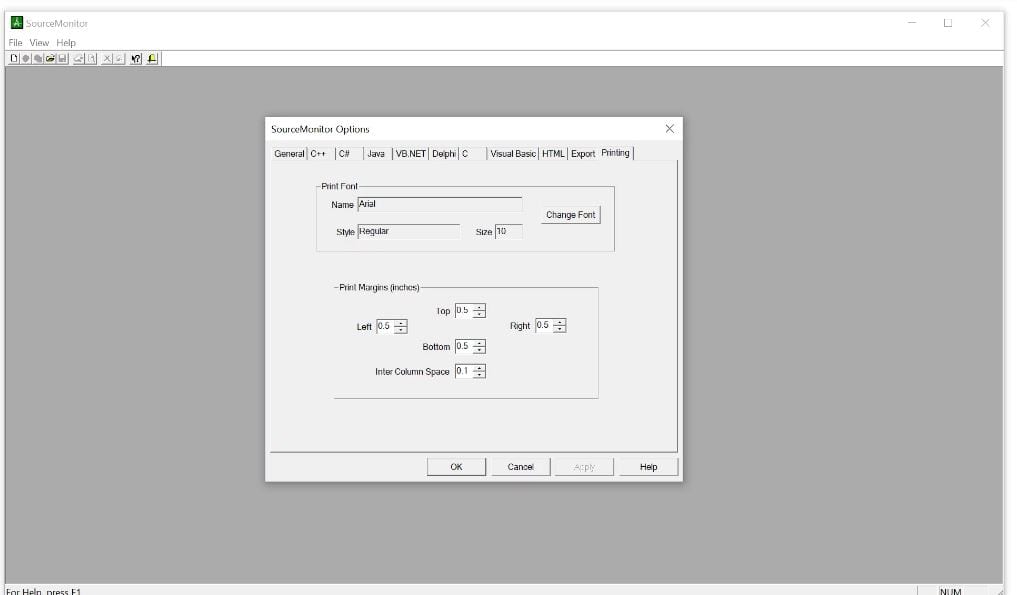 Oh yes, let’s not forget that the utility is freeware.
SourceMonitor – is right what you need to facilitate your work. Finding mistakes or analyzing the complexity is not difficult for him. It is ideal for anyone looking to develop their coding skills.
And when you want to get distracted from all your coding processes and just enjoy your PC while gaming you can pick up the best cross-platform games in this article.
Still, looking for a similar tool? Download the SourceMonitor, install it on any version of Windows, and enjoy the flight of your coding mind!
Oh yes, let’s not forget that the utility is freeware.
SourceMonitor – is right what you need to facilitate your work. Finding mistakes or analyzing the complexity is not difficult for him. It is ideal for anyone looking to develop their coding skills.
And when you want to get distracted from all your coding processes and just enjoy your PC while gaming you can pick up the best cross-platform games in this article.
Still, looking for a similar tool? Download the SourceMonitor, install it on any version of Windows, and enjoy the flight of your coding mind!
List of reviewed apps:
Key Features
- Analyzes code complexity and quality across multiple programming languages
- Generates detailed metrics in multiple formats including XML, CSV, and visual diagrams
- Creates easy-to-read tables and graphs for code evaluation
- Provides actionable suggestions to help organize and improve your codebase
- Supports a wide range of languages including Java, C#, C++, Visual Basic, and HTML
Pros and Cons
- Pros:
- Supports multiple programming languages, making it versatile for different projects
- Generates professional reports and visualizations (including Kiviat diagrams) that are easy to understand
- Exports data in various formats, giving you flexibility in how you use your metrics
- Cons:
- Desktop-focused tool, not ideal for mobile developers working on apps
- Learning curve for developers unfamiliar with code analysis metrics and visualization tools
Bottom Line
SourceMonitor is perfect for developers and teams who take their code quality seriously and want a detailed breakdown of their project’s complexity and maintainability. If you’re looking to refactor legacy code, manage technical debt, or simply want to understand your codebase better, this tool deserves a spot in your development toolkit.