If you are a true fan of sudoku games, we have to bring your attention to Sudoku Styles developed by ATK Solutions Inc.
You may also like: 11 Best Games Like Sudoku for Android & iOS
Once the game will be completely loaded, you should tap on the Play button to launch the game. Then, you will be transferred to the homepage, where you can choose the preferred puzzle type and game level.
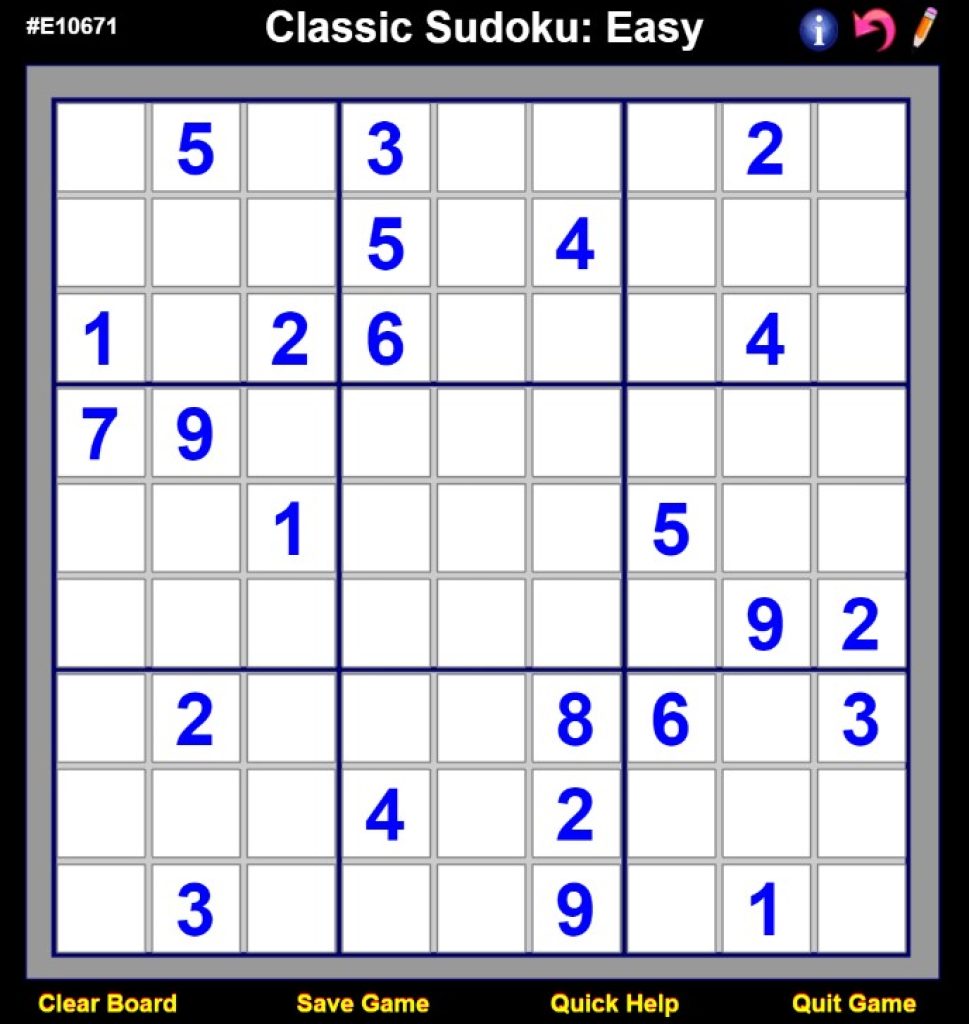
In Sudoku Styles, you will find a wide range of sudoku puzzle types. Apart from classic sudoku, players will also gain access to the following sudoku types:
- Sudoku X
- Window Sudoku
- Jigsaw Sudoku
- Double Sudoku
- Triple Sudoku
- Mini Quad Sudoku
- Mini Samurai Sudoku
- Checkers Sudoku
- Quad Sudoku
Before you start playing, you can also check the Instructions’ section filled with useful data on how this tool works.
You may also like: 11 Best Online Board Game Apps
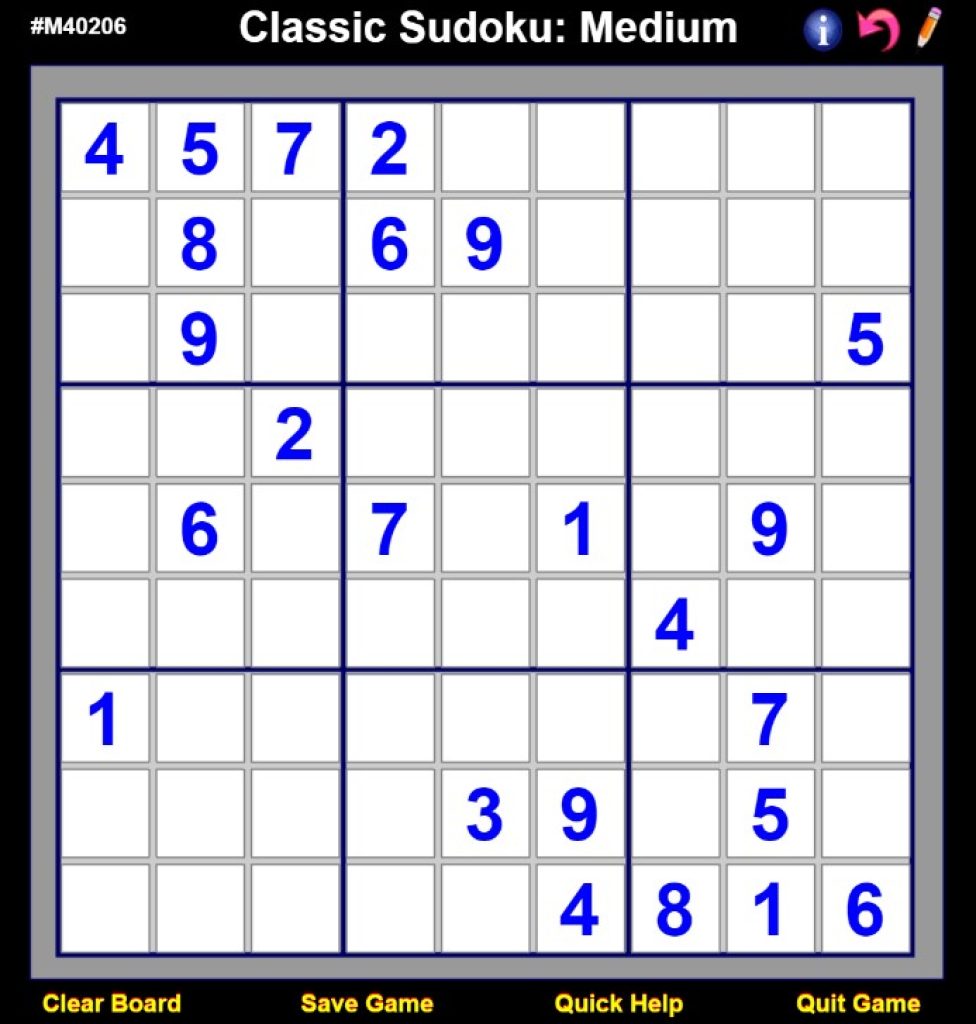
When you get to the game board, you will also find several buttons at the bottom of the screen. For example, you can save the game, clear the board, or receive instant help. Plus, you can also undo last 5 moves.
Users will have to use the arrow keys or the mouse to choose the required square. After that, you should use the numeric keys and paste a digit in the cell.
Overall, Sudoku Styles is truly worth trying. We have not found any disadvantages there.
You may also like: 33 Best Board game apps for Android & iOS
Key Features
- 10+ puzzle variations including classic sudoku, Sudoku X, Jigsaw, and Samurai modes to keep your brain constantly challenged
- Multiple difficulty levels to choose from, making it accessible for beginners and brutal for hardcore puzzle enthusiasts
- Game controls include save/load functionality, undo up to 5 moves, and a helpful hint system when you’re completely stuck
- Built-in Instructions section so you don’t have to Google “what the heck is Jigsaw Sudoku anyway”
- Clean, straightforward interface with on-screen buttons for all major game actions
Pros and Cons
- Pro: Massive variety of sudoku types means you’ll never get bored playing the same puzzle format twice
- Pro: Helpful undo function and hint system let you learn without rage-quitting
- Pro: Easy to pick up with clear instructions and intuitive controls
- Con: The sheer number of puzzle types might overwhelm newcomers to sudoku
- Con: Limited information about customization options like themes or difficulty progression
Bottom Line
If you’re a sudoku fanatic looking to expand beyond the classic 9×9 grid, Sudoku Styles is absolutely worth downloading. The variety of puzzle types combined with helpful features like hints and undo functionality make it a solid choice for anyone who enjoys brain-teasing number games, whether you’re a casual player or a puzzle master.