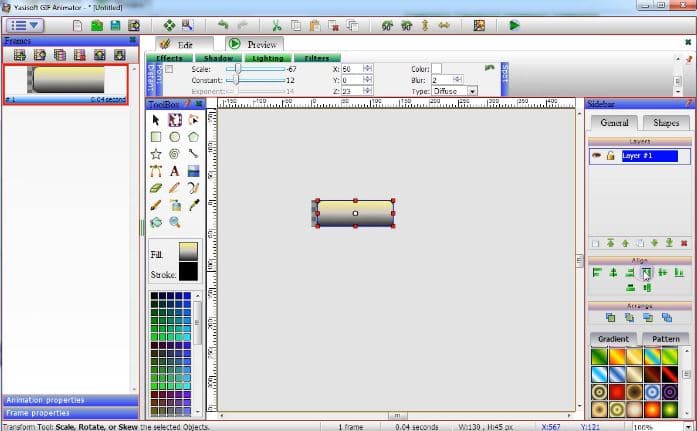
 The major advantage of this tool – it is full of magnificent editing features. For example, you can try various special effects, change colors, apply gradients, add or delete frames. Moreover, you can adjust brightness, contrast, hue, saturation, etc.
In this software, you can create your own projects or you can use different editable templates.
The major advantage of this tool – it is full of magnificent editing features. For example, you can try various special effects, change colors, apply gradients, add or delete frames. Moreover, you can adjust brightness, contrast, hue, saturation, etc.
In this software, you can create your own projects or you can use different editable templates.
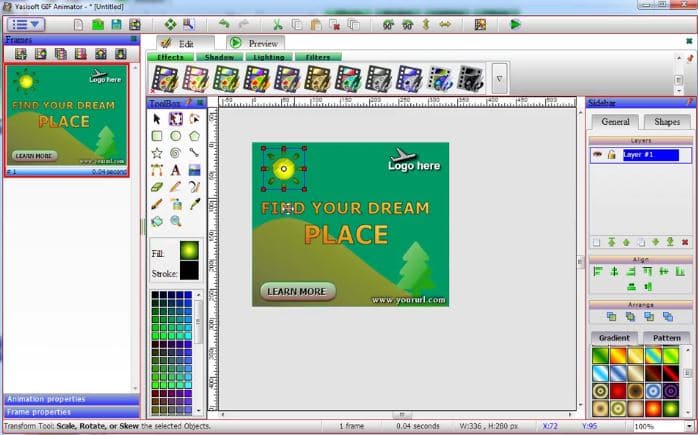 Another interesting option there is the Text tool. Thus, you can put text on a path or add shadows for a text.
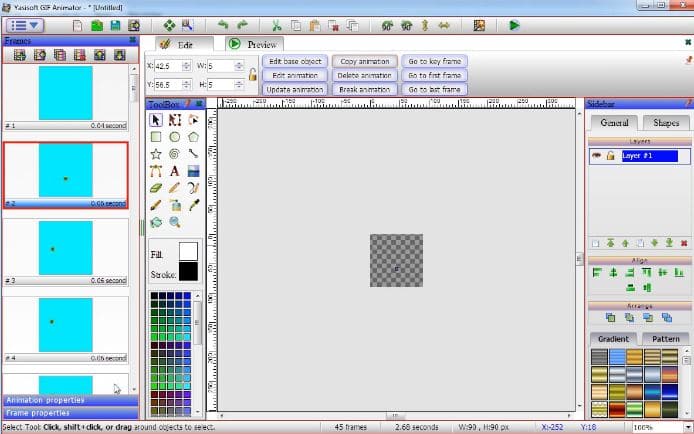
By the way, you can generate animated GIF files from a video file. No doubt, this is an excellent bonus!
Another interesting option there is the Text tool. Thus, you can put text on a path or add shadows for a text.
By the way, you can generate animated GIF files from a video file. No doubt, this is an excellent bonus!
 In case of any misunderstandings, you can check a great number of tutorials on the official website.
What is more, we recommend you check the best GIF keyboard apps – for all the GIF lovers out there.
To sum up, Yasisoft GIF Animator boasts a user-friendly interface. So even novice users will instantly find out how this tool works!
In case of any misunderstandings, you can check a great number of tutorials on the official website.
What is more, we recommend you check the best GIF keyboard apps – for all the GIF lovers out there.
To sum up, Yasisoft GIF Animator boasts a user-friendly interface. So even novice users will instantly find out how this tool works!
List of reviewed apps:
Key Features
- Create animated GIFs from scratch or convert video files into GIF format
- Wide range of editing tools including special effects, color adjustments, brightness, contrast, and saturation controls
- Frame-by-frame editing with the ability to add or remove frames as needed
- Text customization options with path placement and shadow effects
- Support for multiple file formats including PNG, JPEG, BMP, GIF, WEBP, TIFF, and RAW
Pros and Cons
- Pros:
- Quick and straightforward installation process
- Comprehensive editing features give you plenty of creative control
- Video-to-GIF conversion is a handy bonus feature that saves time
- Cons:
- Desktop-only software (though mobile alternatives exist for on-the-go creation)
- Steep learning curve for beginners with so many features packed into one tool
Bottom Line
Yasisoft GIF Animator is perfect for creators who need professional-quality animated GIFs without breaking the bank. Whether you’re designing web graphics, social media content, or just experimenting with animations, this versatile tool delivers the features you need to bring your ideas to life.