We spent a week doing something slightly ridiculous: editing Word documents entirely on our phones — on the bus, in a queue, once from a hammock. Opening a .docx is easy; keeping its formatting intact on a 6-inch screen is where most apps quietly fall apart.
By the way, if you also keep ideas in sync across devices, take a look at our roundup of the cross-platform note-taking apps.
So we threw the same messy test document at a pile of free apps and kept the seven that actually let us edit it — not just stare at it.
Microsoft Word

We opened a deliberately awful résumé — nested tables, three fonts, a rogue header — and Word rebuilt it perfectly, because of course it did: it invented the .docx format. Typing on glass is never a joy, but the full ribbon is here, dictation kept up with us, and a document we started on the phone was waiting on the laptop a minute later.
What kept us using it:
- The complete ribbon — styles, headings, tables, the lot
- Track changes and comments for working with other people
- Voice dictation when we couldn't face the keyboard
- One-tap PDF export and OneDrive sync
The only real catch is that a few of the fancier tools quietly wave a Microsoft 365 subscription at you. For pure Word fidelity, though, nothing else comes this close — and it’s free on both iOS and Android.


Google Docs
This is the one we reach for the moment a document needs more than one pair of hands. We dropped a .docx in, shared a link, and within seconds three of us were typing at once — no “final_v2_FINAL.docx” in sight. Offline edits synced the instant we got signal back, which saved us more than once.
Why it earned a spot:
- Genuinely real-time collaboration with comments
- Offline editing that syncs when you reconnect
- Voice typing and a full version history
- Works from the Google account you already have
Its one weakness showed up with our heavily-formatted file: .docx isn’t its native tongue, so columns and odd fonts can shift slightly on the way in or out. For everyday docs and teamwork it’s still hard to beat, and it’s free everywhere.
WPS Office
WPS tries to be an entire office in your pocket — writer, sheets, slides — and it mostly pulls it off. Our test document kept its layout, and the built-in PDF tools saved us a trip to a second app. It’s the closest thing to the desktop feel without paying a cent.
What stood out:
- Word-style editing with a big template library
- PDF tools and file conversion built in
- Cloud storage plus a comfortable dark mode
- A layout that stays close to the desktop original
The one downside is the free version’s fondness for reminding you a premium plan exists — ads and the occasional pop-up. If you can shrug that off, it’s a seriously capable suite, free on iOS and Android.
You may also like: 10 Best Text Recognition Apps for Android & iOS
Polaris Office
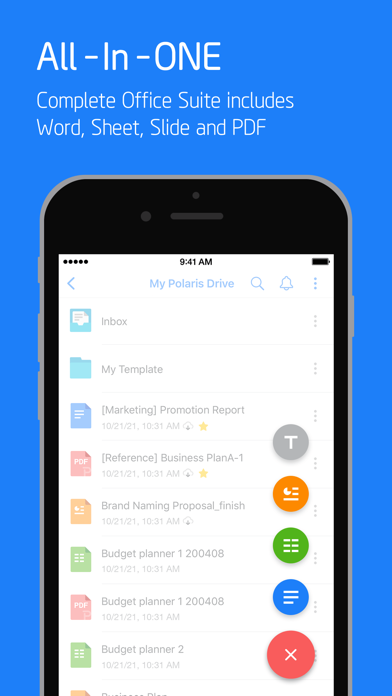
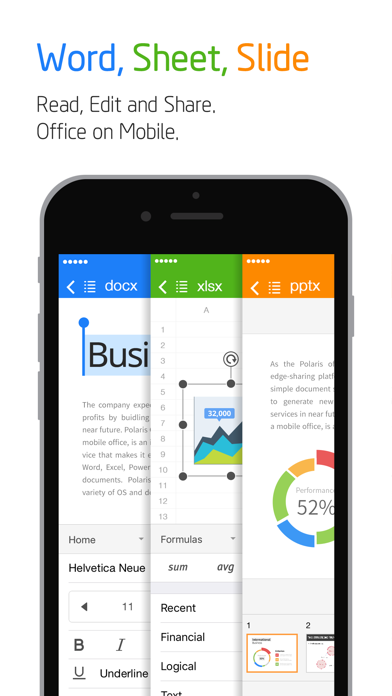
Polaris felt light and quick — the kind of app that has your .docx open before you’ve finished tapping it. We bounced a Word file, a spreadsheet and a slide deck through it in one sitting and nothing tripped it up.
The bits we liked:
- Compatible editing for Word, Excel and PowerPoint files
- Cloud sync and painless sharing
- PDF conversion baked in
- Clean, mobile-first controls
The catch is that it asks for a free account and shows ads on the free plan. Past that it’s fast and dependable, and free on both platforms.
Zoho Writer
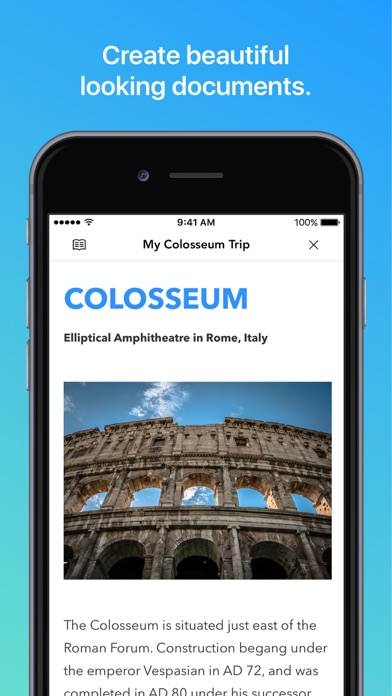
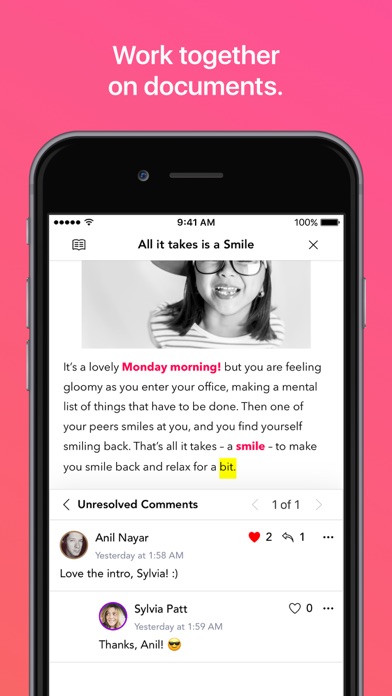
Zoho Writer is the calm one of the bunch. The toolbar politely disappears until you need it, leaving just a clean page and your words — we ended up writing more and fiddling less. It still speaks fluent .docx when it’s time to hand the file off.
What won us over:
- A focused, distraction-free writing canvas
- Comments and real collaboration
- Reliable .docx import and export
- Offline editing with cloud sync
It’s cloud-first, so it’s happiest with a free Zoho account and a connection. If you write more than you format, it’s a lovely place to work — and free on iOS and Android.
You may also like: Apps to Save Text Messages to PDF
Collabora Office
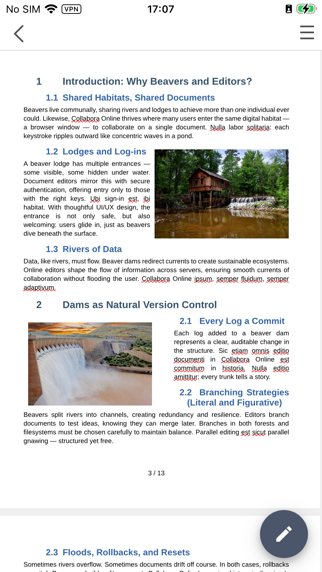
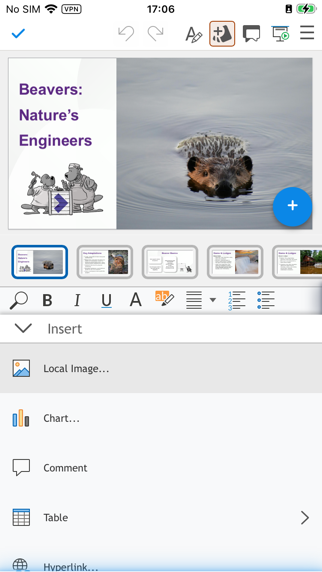
If you’d rather your documents never left the phone, Collabora is the pick. It’s essentially LibreOffice in your pocket — no login, no cloud, everything handled on-device. We edited our test file in airplane mode just to prove the point, and it didn’t blink.
Why it stands out:
- Desktop-grade formatting for complex documents
- Fully offline, with strong privacy
- Handles the whole open-document family too
- Completely free, with no ads
The trade-off is a plainer interface than the big-name suites, and iOS support trails Android. For private, offline .docx editing, though, it’s a rare find.
ONLYOFFICE Documents
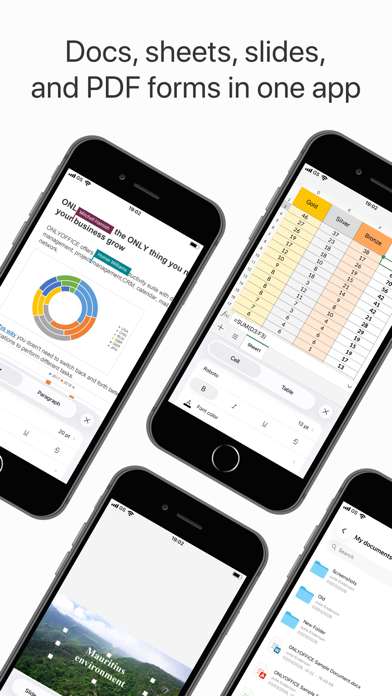
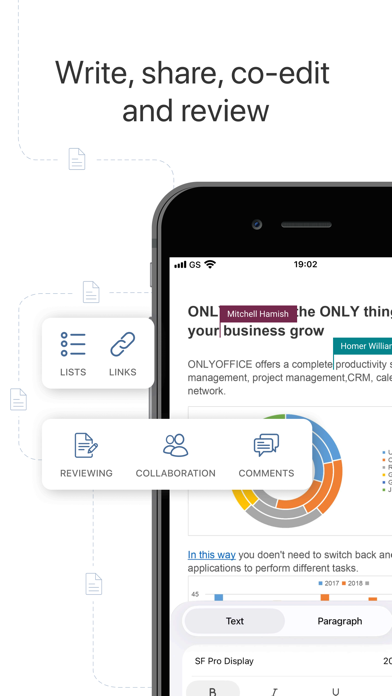
ONLYOFFICE quietly surprised us: outside Microsoft itself, it kept our formatting the most faithfully of anything we tried, and it looks and behaves like its desktop sibling. Reopening a file we’d mangled in another app, ONLYOFFICE put it back together.
What we appreciated:
- Formatting that survives a round-trip intact
- Connects to Nextcloud, Google Drive and more
- Comments and co-editing for teams
- Works offline when you need it to
Its main limitation is that it’s built around connected storage, so a few collaboration features expect an account. For faithful Word editing on the go, it’s a strong, free finish on both iOS and Android.
After a week of thumb-typing, our picks came down to fit: Microsoft Word for flawless formatting, Google Docs when other people are involved, and Collabora Office when you want every word to stay on your own device.