A good GIF says the thing words can’t. A reaction face, a three-second loop of your dog missing the ball, a bit of group-chat gold that a still photo just can’t carry. We wanted a fast way to turn a moment into a loop without opening a laptop, so we tried a pile of free apps and kept the ones that actually pull it off.
Your phone is honestly the perfect little GIF studio. The camera, the video you already shot, your Live Photos and burst frames, the raw material is sitting right there in your gallery. Most of these apps let you trim a clip, add a caption, and export a shareable loop in under a minute, straight from the device. Nearly all of them run on both Android and iOS; two of our picks, GIF Maker by Momento and GIF Toaster, are iPhone and iPad only, and we’ve flagged those clearly.
If you like tinkering with the look of your shots before they start to move, you might also enjoy our roundup of the 11 Best Vintage Photo Filter Apps for Android & iOS.
GIPHY
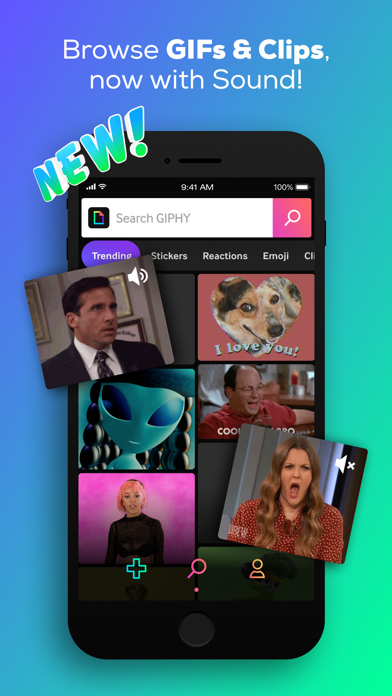
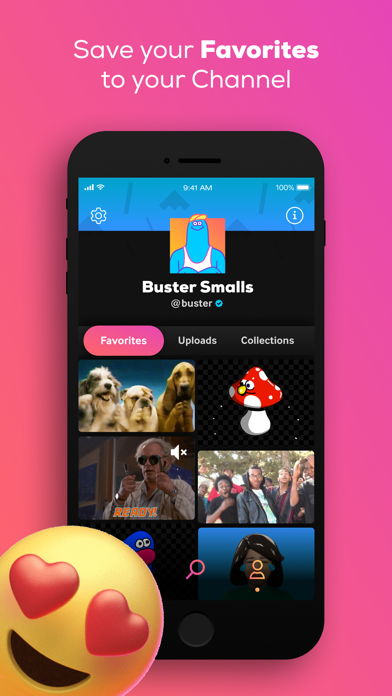
GIPHY is the name most people already have on their phone, usually as the sticker drawer inside their messaging app. What gets overlooked is that the same app hides a proper GIF maker, and it’s genuinely capable once you go looking for it.
We fed it a short clip from our camera roll and had a captioned loop ready to send in about a minute. You can also point the camera at something and record a GIF on the spot, which is oddly satisfying for a quick reaction shot.
Main features:
- Record a GIF straight from the camera or import a video clip and trim it down
- Turn a series of photos into a single looping animation
- Add animated text, stickers, and filters on top of the clip
- Auto-animated captions that move along with the GIF
- Search a huge built-in library when you'd rather grab an existing GIF
- Share directly to messages and social feeds
The snag is that GIPHY is built first as a search-and-share hub, so the creation tools sit a couple of taps deeper than they should, and saving or uploading your own GIFs nudges you into making an account. Look past that and it’s one of the most complete free options on Android and iOS.


ImgPlay
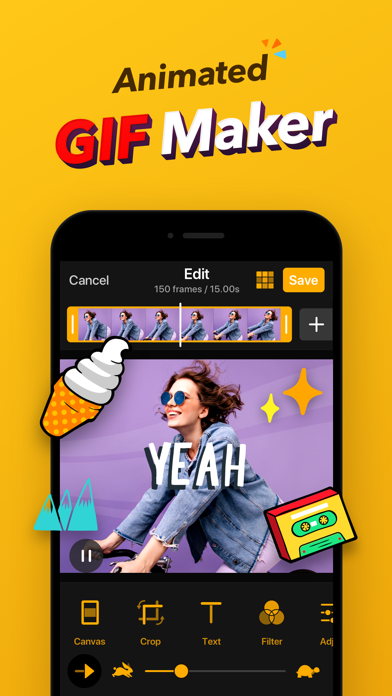
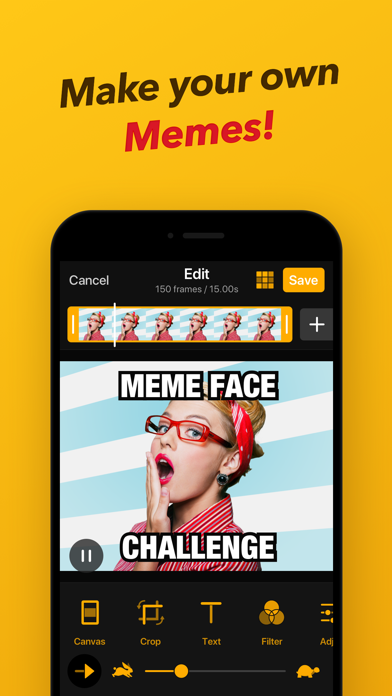
ImgPlay is the app we reach for when the source material is a mess, a few photos here, a Live Photo there, a video that’s slightly too long. It swallows almost anything and hands back a tidy loop.
The frame-by-frame editor is the standout. We pulled three blurry frames out of a burst, nudged the speed down a notch, and the GIF suddenly looked deliberate instead of accidental.
What stood out in our testing:
- Build GIFs from photos, videos, Live Photos, or burst shots
- Edit frame by frame, deleting, reordering, or duplicating individual frames
- Slide the playback speed up or down
- Set the direction to forward, reverse, or a back-and-forth boomerang
- Layer on text with a choice of fonts and colors
- Export as a GIF, a video, or a Live Photo
The free version does plant a small ImgPlay watermark in the corner and holds a couple of the higher-quality export options back for the paid tier. For casual sharing the mark is easy to live with, and the app runs happily on both Android and iOS.
GIF Maker by Momento
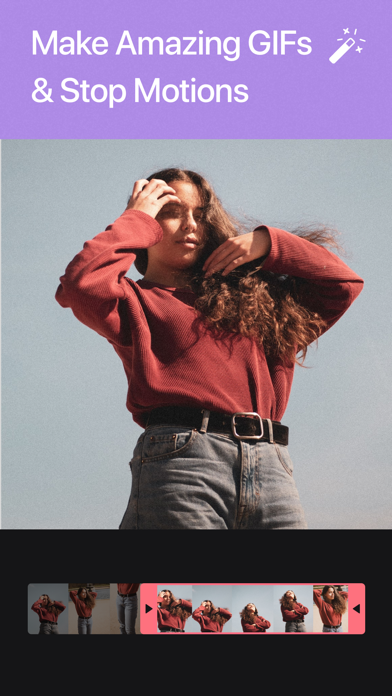
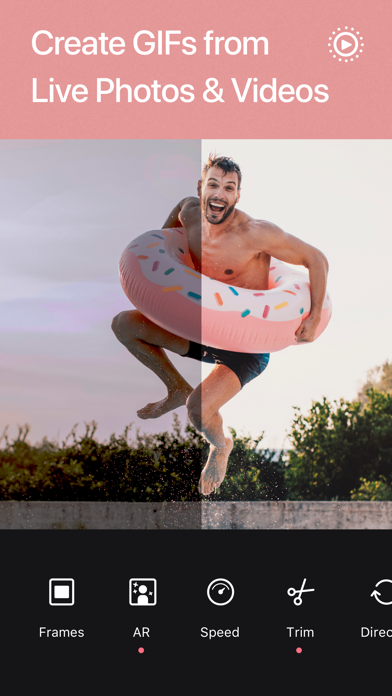
GIF Maker by Momento feels like it was built by people who make a lot of GIFs. It handles the dull conversions cleanly and then hands you a solid set of finishing touches.
We liked that it reads Live Photos and burst sequences natively, so the half-made animations already sitting on your iPhone become GIFs with almost no effort.
Key tools:
- Convert videos, Live Photos, bursts, or a stack of photos into GIFs
- Capture a GIF directly from the camera
- Trim the clip and set the loop speed
- Add text, stickers, and filters for a bit of personality
- Browse and search a built-in library of ready-made GIFs
- Save to Photos or drop it straight into a chat
A handful of the flashier stickers and the top export quality are locked behind a paid upgrade, and the free tier slips in the occasional ad between screens. None of that blocks the main job, and it’s a strong pick if you’re on iPhone and iPad only.
5SecondsApp
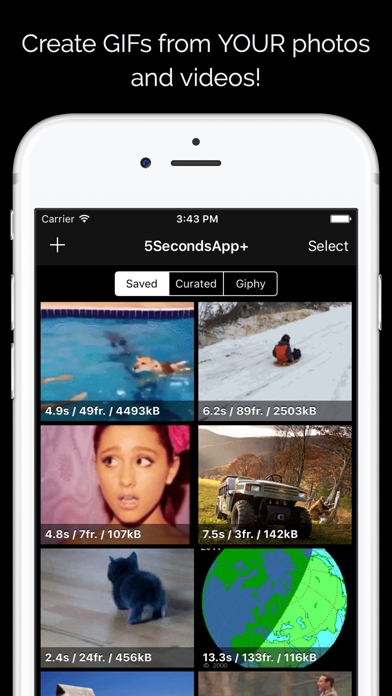
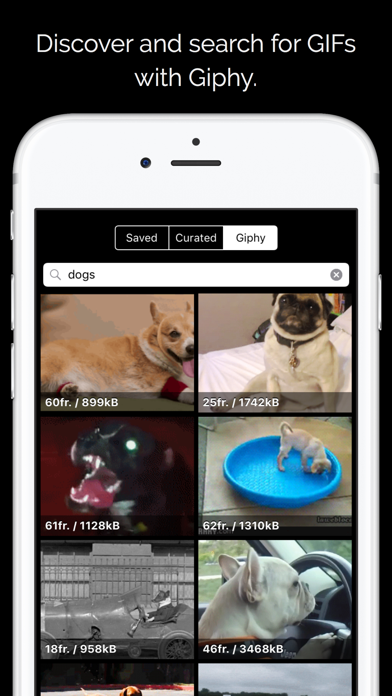
The name is a hint: 5SecondsApp is built around short, snappy loops rather than long clips. That focus makes it quick to learn and hard to overthink.
We shot a five-second GIF from the camera, slapped a wobbling caption on it, and shared it before the moment had passed. For quick reactions, that speed is the whole point.
What it does well:
- Convert a video clip into a GIF in a couple of taps
- Record a GIF live from the camera
- Stitch a sequence of photos into one animation
- Add moving text and stickers
- Trim, crop, and adjust the frame rate
- Send straight to social apps and messengers
Free exports carry a small watermark and you’ll bump into an ad or two between actions, with the crisper resolutions saved for the paid unlock. That’s a fair price for how fast it works, and it’s available on both Android and iOS.
You may also like: 11 Best Apps to Download Youtube Videos to Android or iOS
Picsart
Picsart is really a full photo and video studio, but it earns a place here because a GIF is only ever an export away. If you’re already editing inside it, you don’t need to reach for a second app.
We turned a short clip into a looping sticker, dropped it onto a photo, and exported the whole thing as a GIF. That kind of mixing is where Picsart pulls ahead of the single-purpose tools.
Here is what you can do with it:
- Export edits and short animations as GIFs
- Turn a video clip into a looping GIF
- Create animated stickers from your own photos
- Add text, effects, and overlays before exporting
- Combine several photos into one animation
- Pull from a large library of templates and stickers
Because it does so much, GIF-making is one feature among hundreds, and the best effects and asset packs sit behind Picsart Gold while the free tier carries ads. If you want a creative all-rounder rather than a dedicated GIF tool, it delivers on Android and iOS.
Canva
Canva sneaks onto this list through its animation feature. Anything you design, a quote, a logo, a little scene, can be set in motion and downloaded as a GIF.
We built a two-slide announcement, tapped a single animation preset, and had a polished looping GIF without touching a timeline. For text-led or branded GIFs, nothing else here looks quite as clean.
Why it earns a spot:
- Animate text, elements, or entire pages with one tap
- Download any animated design as a GIF
- Start from GIF-ready templates
- Add stickers, graphics, and photos to the mix
- Turn a set of images into an animated slideshow
- Adjust the animation style and timing
The trade-off is direction: Canva is made for designing from scratch, so converting an existing video into a quick GIF isn’t really its lane, and the nicest templates and elements want a Canva Pro subscription. For polished, text-driven loops, though, it’s a pleasure on both Android and iOS.
GIF Toaster
GIF Toaster is the workhorse of the group, plain to look at but stuffed with conversion options the prettier apps skip. It treats GIF-making like a proper little job.
We appreciated the control: it let us set the exact frame rate and resolution instead of guessing, and it happily runs the conversion the other way, from GIF back to video.
What you can do with it:
- Convert videos, photos, Live Photos, and bursts into GIFs
- Reverse the process and turn a GIF into a video
- Fine-tune resolution, frame rate, and quality
- Set the loop to play forward, backward, or a fixed number of times
- Batch-convert several items in one go
- Crop the frame and tweak the colors
The interface looks like it hasn’t changed in years, and a few of the extra conversion modes are unlocked through in-app purchases. Neither gets in the way of the actual converting, and if you’re on iPhone and iPad only it’s a quietly powerful free tool.
Pick by how you work. GIPHY and 5SecondsApp are the quickest routes to a reaction GIF you can fire off in seconds, while ImgPlay is the one to keep when you want frame-level control over the result. Picsart and Canva make the most sense if you’re already creating in them and just want a GIF as one more export, with Canva leaning toward polished, text-driven loops. On iPhone, GIF Maker by Momento is the friendly all-rounder and GIF Toaster is the tinkerer’s choice when you care about exact settings.