QR codes have quietly taken over menus, business cards, Wi-Fi sign-ins and product packaging, and at some point you stop scanning them and start wanting to make your own. The good news is that your phone can do this without a clunky website, and we rounded up the free apps that actually create QR codes rather than just reading them.
We tested a pile of these so you do not have to sit through the ones buried in pop-ups. Most of our picks run on both Android and iOS, while a couple are iPhone and iPad only, and every one of them can turn a link, a Wi-Fi password or your contact details into a scannable square in a few taps.
Scanning paper is a related rabbit hole, and if that is where you are headed next, take a look at 9 Free Book Scanner Apps 2026 For Android & iOS.
QR TIGER
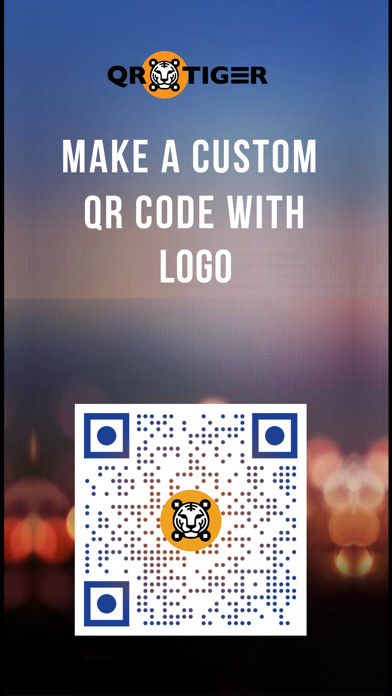
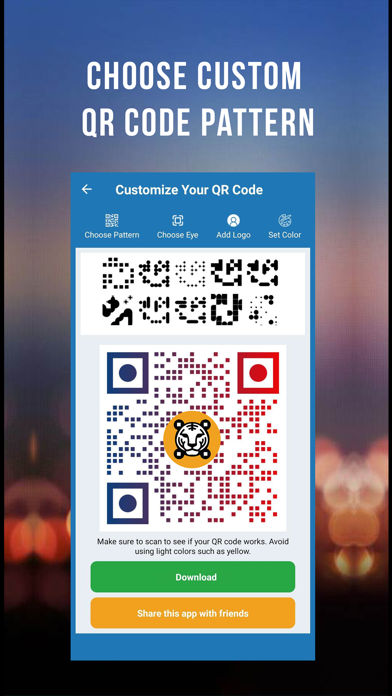
QR TIGER is the app we kept coming back to when we wanted a code that looked like more than a black-and-white checkerboard. It is a proper generator first, so making a QR code is the main event rather than a bolted-on afterthought.
You start by picking what the code should hold, type in the details, and then get to the fun part of choosing colors, a logo and a pattern. We made a Wi-Fi code for the office in under a minute, printed it, and watched people actually use it instead of asking for the password.
Main features:
- Generate QR codes for links, Wi-Fi, contact cards, plain text and more
- Drop in a logo and choose custom colors so a code matches your brand
- Pick from different pattern and eye styles, plus frames with a short call to action
- Scan codes inside the app and keep a history of the ones you have made
- Save or share the finished code as an image that is ready for print
The one catch is that the editable, dynamic codes and the built-in scan tracking sit behind a paid QR TIGER plan, so if you need to swap a link after printing you will meet an upgrade prompt; plain static codes stay free for as long as you like. For everyday link, Wi-Fi and contact codes, it does the job on both Android and iOS.


Me QR
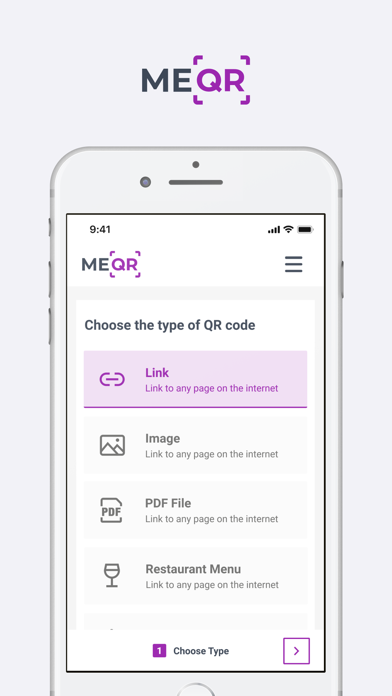
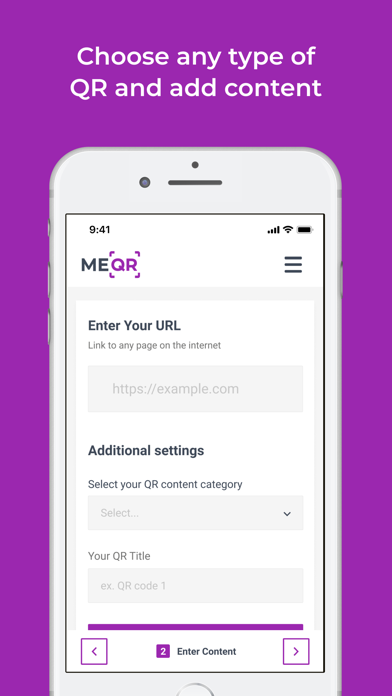
Me QR leans into the idea that a QR code is not always a one-and-done thing. Alongside the usual static codes, it lets you build dynamic ones whose destination you can change later, which is handy when a menu link or a promo page moves.
In testing it felt tidy and quick, with a scan tab sitting right next to the create tab, so you can read a code and spin up your own without hopping between apps. Design controls are here too, so your code does not have to look like every other one.
What stood out in our testing:
- Create QR codes for links, Wi-Fi, contact details and text
- Switch a code between static and dynamic so you can edit it after printing
- Customize colors and shapes and add a logo in the middle
- Scan existing codes and keep everything grouped in your account
- Download or share codes for screen or print
You do need to make a free account to get going, and the genuinely useful dynamic and trackable codes are capped unless you move to a paid tier, which is the trade-off for all that flexibility. If you like the idea of codes you can update on the fly, it is waiting for you on both Android and iOS.
Uniqode QR Codes Generator & Scanner
Uniqode, which longtime QR nerds will remember as Beaconstac, brings a slightly more corporate flavor to the party. It is built for people who make a lot of codes, so batch creation sits up front rather than hidden three menus deep.
We used it to knock out several codes at once, and the process felt closer to a small marketing tool than a toy. Its scanner is solid too, so a single app covers both ends of the QR life cycle.
Key tools:
- Build QR codes for websites, Wi-Fi, contact cards and text
- Generate codes in bulk when you need a whole batch at once
- Customize colors and styling to fit a brand
- Scan QR codes and barcodes with the built-in reader
- Export your codes to save or send off for printing
Because it is aimed at businesses, the deeper tracking dashboard and higher-volume tools lean on a paid Uniqode account, so hobbyists may find parts of it more than they need; the core code-making stays free. It runs on both Android and iOS, which makes it easy to share the workload across a team.
You may also like: 9 Free Batch Photo Editors for Android & iOS.
Visual Codes
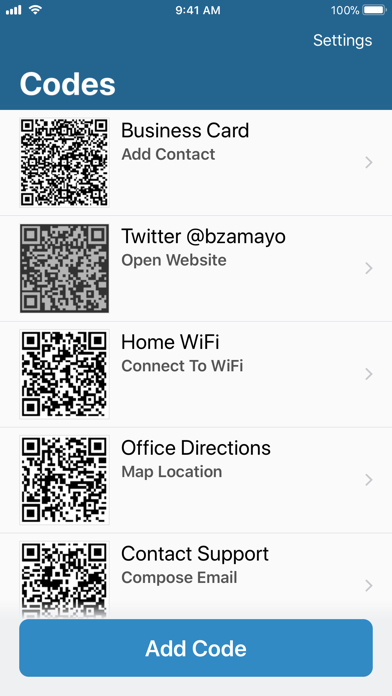
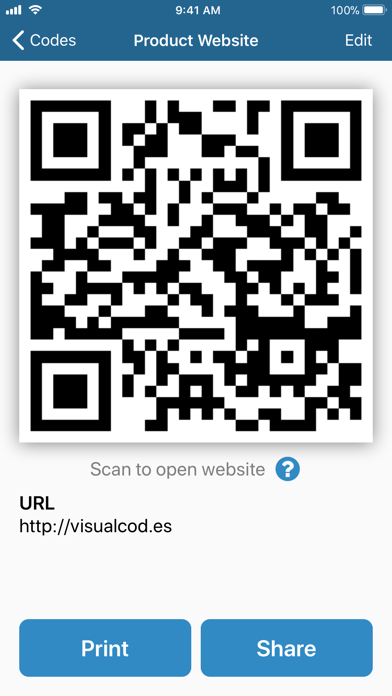
Visual Codes is the one we would hand to a friend who insists QR apps are always cluttered. It is a clean, friendly little maker that skips the sign-up screens and just lets you build a code.
We liked that you can save the codes you create and label them, so your home Wi-Fi code and your contact card are one tap away next time. There is no account and no barrage of pop-ups, which is more refreshing than it should be.
Why it earns a spot:
- Create QR codes for links, contact cards, Wi-Fi, email and phone numbers
- Save the codes you make and pull them back up whenever you need them
- Add a label and icon to keep your saved codes organized
- Start making codes right away with no sign-up
- Share a code or show it straight from your screen for someone to scan
It keeps things deliberately simple, so you will not find the deep branding, pattern and analytics options that the bigger generators pile on, and that restraint is the price of the clean feel. Visual Codes is iPhone and iPad only, so it stays a treat reserved for Apple users.
QR & Barcode Scanner by TeaCapps
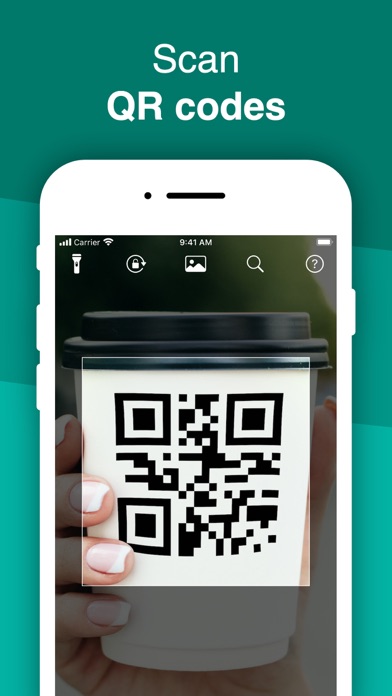
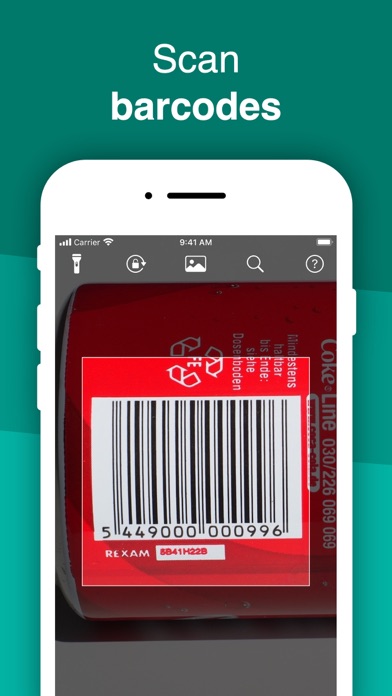
This TeaCapps app is best known as a scanner, but tucked inside is a create tab that quietly turns it into a two-way tool. If you already use it to read codes, you may as well let it make them too.
We generated a contact code and a Wi-Fi code from the create menu, and the flow was clear, if less flashy than the dedicated makers. As a scanner it is genuinely fast, which is a nice bonus on top.
What it does well:
- Create QR codes for text, links, contact cards and Wi-Fi
- Scan any QR code or barcode quickly, even in dim lighting
- Look up scanned products on shopping and search services
- Keep a history of the codes you scan and create
- Share a generated code with a single tap
Since scanning is its main gig, the creation side is more no-frills than a purpose-built generator, and the free version slips in ads between actions that you can pay once to clear out. For a single app that both reads and makes codes, it holds up nicely on both Android and iOS.
QR Code Generator by Gulooloo
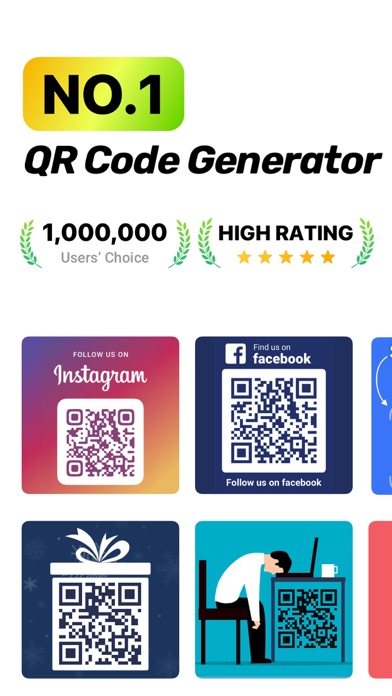
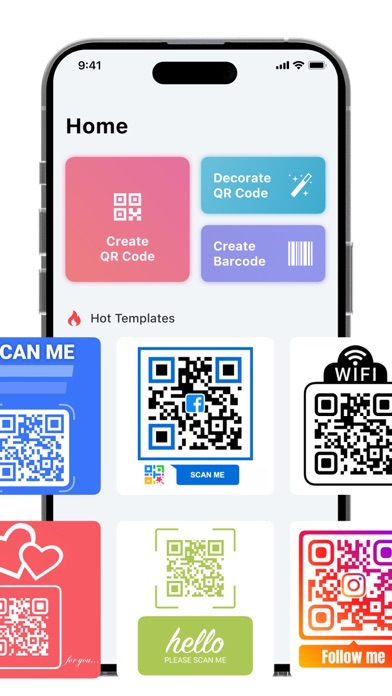
Gulooloo’s generator is the template lover of the group. Instead of starting from a blank code, you get shelves of ready-made looks to choose from, which is a relief when design is not your strong suit.
We built a business-card code from a template and had something presentable without touching a single color slider. Everything from Wi-Fi to plain text is covered, and you can still tweak the look afterward if the mood strikes.
Here is what you can do with it:
- Generate QR codes for links, Wi-Fi, contacts, text and business cards
- Pick from ready-made templates to skip the design work
- Adjust colors and add a logo to the center of a code
- Scan codes and keep a history of what you have created
- Save a finished code to your photos to share or print
It does throw a lot of templates at you, which is handy but can feel a bit busy when you only want a quick, plain code, so give yourself a second to find the simplest option. Gulooloo’s maker is iPhone and iPad only, so Android fans will want one of the cross-platform picks above.
If you just want the fastest, cleanest way to make a code on your iPhone, Visual Codes is the easy pick, while QR TIGER and Me QR are the ones to grab when you care about branding or want codes you can edit later. Uniqode suits anyone churning out codes in bulk for a business, the TeaCapps scanner fits people who want reading and making in one place, and Gulooloo is a fun template-first option for Apple users who would rather choose a look than build one. Whatever you need that scannable square for, there is a free maker here that will not nag you into a subscription just to get started.