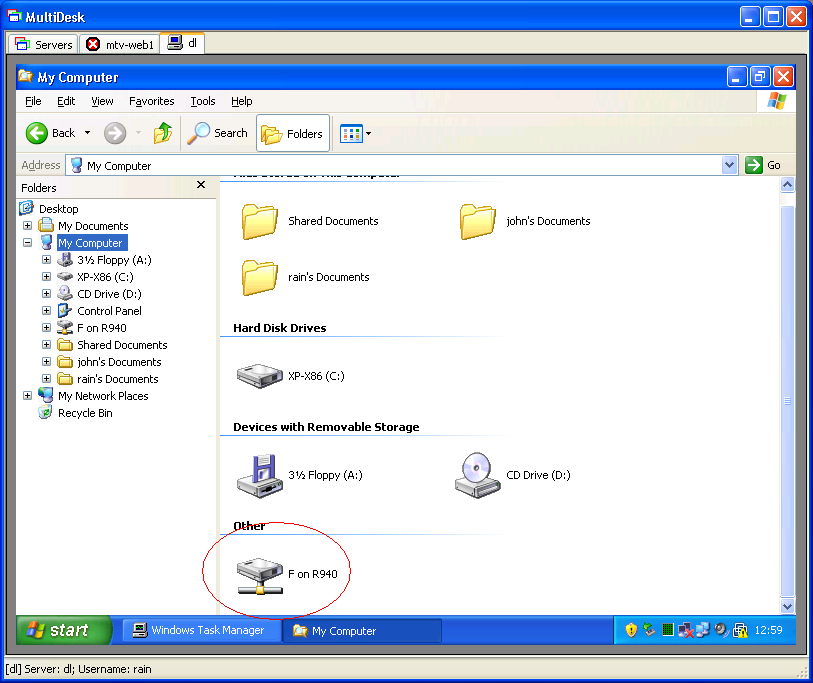
 We believe the advantage of this program is that you can either select the desired server from a group of suggested (or previously saved) servers or add a server manually by its IP address.
At the same time, the search for a server is greatly facilitated by the fact that you can scan all available servers. You can establish several connections, which are presented in the program window as tabs, and the program also provides access to printers, disks, ports, and the clipboard of another system.
We believe the advantage of this program is that you can either select the desired server from a group of suggested (or previously saved) servers or add a server manually by its IP address.
At the same time, the search for a server is greatly facilitated by the fact that you can scan all available servers. You can establish several connections, which are presented in the program window as tabs, and the program also provides access to printers, disks, ports, and the clipboard of another system.
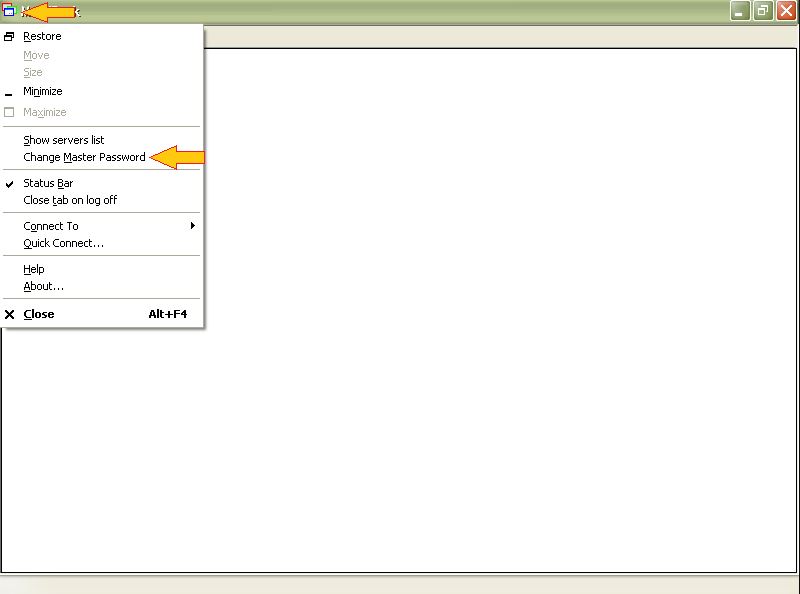 MultiDesk allows you to create several screens, each of which can be set its theme (for example, a screen for home, for the office, for listening to music, for reading books…) and put the necessary shortcuts and plugins there for this purpose. The convenience of the program also lies in the fact that you can work both in full-screen mode and in multi-window mode.
You can organize the remote access not only to your PC but also to your DVD. If you still have a DVD player at home, you can get an app that will provide remote access to it.
You can also customize the sounds and keyboard shortcuts for the keyboard. If you need to speed up your work, but there is no way to switch to a faster Internet connection, you can try disabling visual effects and monitoring the workflow on the Performance tab. Now working remotely has become even easier!
MultiDesk allows you to create several screens, each of which can be set its theme (for example, a screen for home, for the office, for listening to music, for reading books…) and put the necessary shortcuts and plugins there for this purpose. The convenience of the program also lies in the fact that you can work both in full-screen mode and in multi-window mode.
You can organize the remote access not only to your PC but also to your DVD. If you still have a DVD player at home, you can get an app that will provide remote access to it.
You can also customize the sounds and keyboard shortcuts for the keyboard. If you need to speed up your work, but there is no way to switch to a faster Internet connection, you can try disabling visual effects and monitoring the workflow on the Performance tab. Now working remotely has become even easier!
List of reviewed apps:
Key Features
- Remote desktop access from portable devices and tablets
- Secure SSL-encrypted RDP connections via Remote Desktop Gateway
- Server management with quick-select from saved lists or manual IP entry
- Lightweight single executable file—no bloatware required
- Compatible with 32-bit and 64-bit Windows systems
Pros and Cons
- Pros: No VPN server setup needed, straightforward installation, secure gateway-based connections
- Cons: Requires Terminal Services client 6.0 or later, limited to Windows platforms only
Bottom Line
If you need to access your work computer from a tablet or mobile device without the headache of VPN configuration, MultiDesk is worth a try. It’s a no-fuss remote desktop solution for Windows users who prioritize simplicity and security in equal measure.