 One of the best parts – Diffractor allows users to automatically synchronize the file collection to a NAS or network drive. Besides, the synchronization can be bidirectional, so you can even sync other people’s changes.
By the way, Diffractor offers a wide range of editing features. For example, the program allows you to adjust darkness, light, contrast, brightness, saturation. Or, you can also resize, rotate, or cut the picture. If you want, you can add ratings, tags, and location as well.
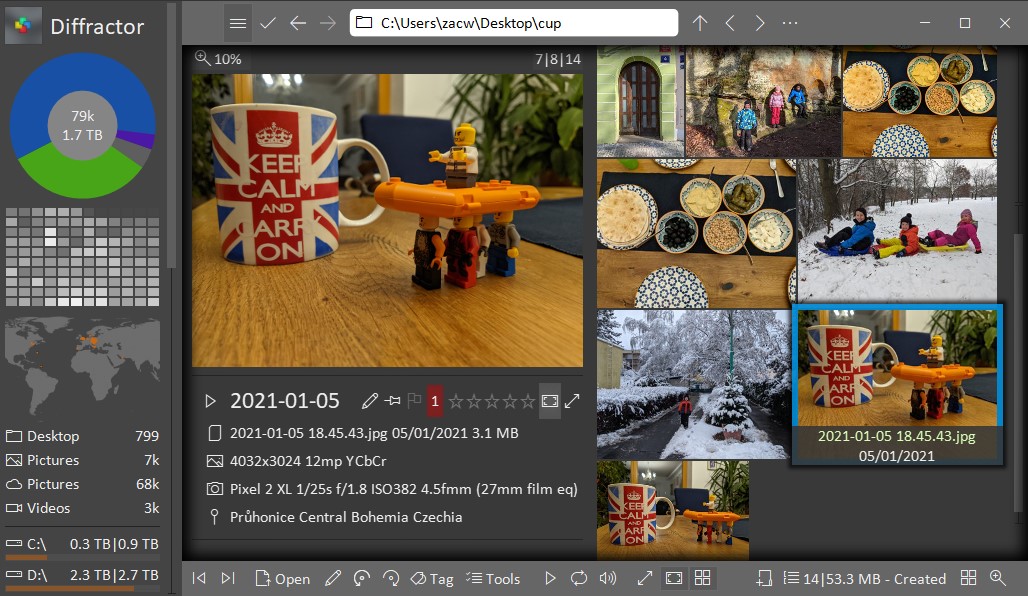
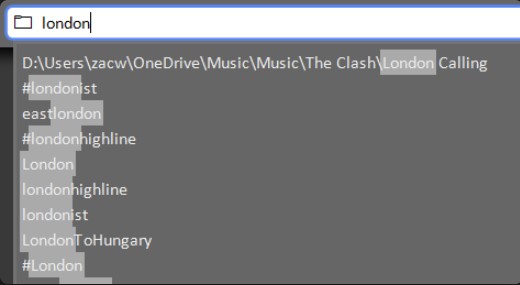
In Diffractor, you will find excellent search facilities. Therefore, you can use the sidebar for an overview by date, location, or file type. Moreover, the program supports XMP, IPC, EXIF, ID3, and other metadata standards.
One of the best parts – Diffractor allows users to automatically synchronize the file collection to a NAS or network drive. Besides, the synchronization can be bidirectional, so you can even sync other people’s changes.
By the way, Diffractor offers a wide range of editing features. For example, the program allows you to adjust darkness, light, contrast, brightness, saturation. Or, you can also resize, rotate, or cut the picture. If you want, you can add ratings, tags, and location as well.
In Diffractor, you will find excellent search facilities. Therefore, you can use the sidebar for an overview by date, location, or file type. Moreover, the program supports XMP, IPC, EXIF, ID3, and other metadata standards.
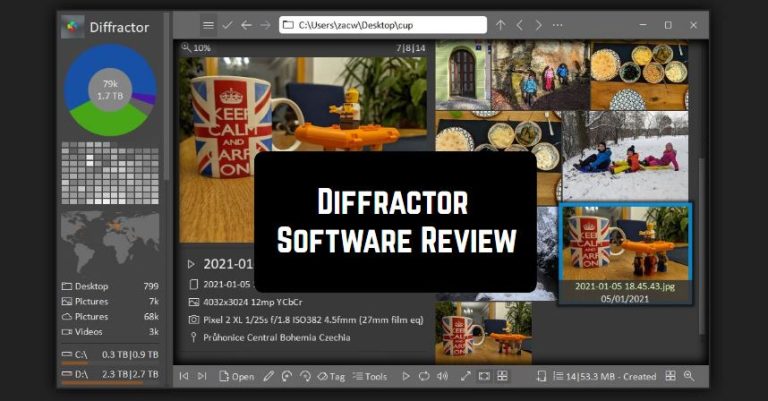
 We were impressed by the well-developed modern program’s design. Plus, the interface is very convenient to navigate. So, there is no need to be very tech-savvy to find out the way everything works there. Diffractor offers both free and premium versions. If you are going to purchase the paid version, it comes at a very reasonable price.
Plus, the program supports English and German languages. In case you have faced any technical issues, you can contact responsive customer service. The technical assistants will answer all your questions whenever you want!
By the way, do you have many ZIP folders on your Android device? In order to extract them swiftly, you may you want to use these apps.
All in all, if you are a professional photographer, Diffractor is certainly a must-have tool for you. Due to this magnificent program, you will efficiently manage your media collection. Highly recommended!
We were impressed by the well-developed modern program’s design. Plus, the interface is very convenient to navigate. So, there is no need to be very tech-savvy to find out the way everything works there. Diffractor offers both free and premium versions. If you are going to purchase the paid version, it comes at a very reasonable price.
Plus, the program supports English and German languages. In case you have faced any technical issues, you can contact responsive customer service. The technical assistants will answer all your questions whenever you want!
By the way, do you have many ZIP folders on your Android device? In order to extract them swiftly, you may you want to use these apps.
All in all, if you are a professional photographer, Diffractor is certainly a must-have tool for you. Due to this magnificent program, you will efficiently manage your media collection. Highly recommended!
List of reviewed apps:
Key Features
- Unified media library for photos, videos, and audio files in one place
- Advanced image editing tools including brightness, contrast, saturation, and cropping
- Automatic synchronization to NAS and network drives with bidirectional sync support
- Powerful search functionality with sidebar navigation for quick file discovery
- Lightweight installation that won’t bog down your system
Pros and Cons
- Pros:
- All your media types accessible from a single, streamlined interface
- Network synchronization makes collaboration and backup effortless
- Comprehensive editing suite covers most photo adjustment needs without bloatware
- Cons:
- May require some technical knowledge to set up network drive synchronization
- Limited to local/network storage options without cloud integration
Bottom Line
Diffractor is ideal for users who want a lightweight, no-fuss solution for organizing and editing their media library. If you regularly work with photos and videos and need reliable network synchronization, this stable program deserves a spot on your computer.