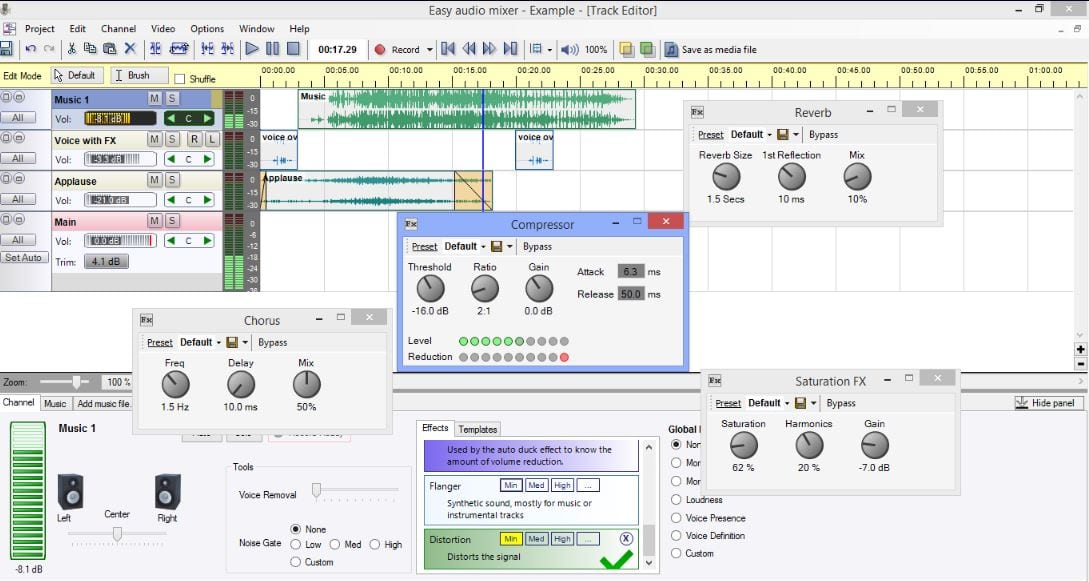
 It is easy to record sound, import music, edit channels, and apply effects in the application. You can export the finished project to audio files like WMA and WAV. You can also import a song, remove vocals from it, and record your own singing. Thus, nothing is as much plain as your own song recording with Easy Audio Mixer. A variety of sound effects included in the program will help your records become unique.
Did you know that you can convert any video from YouTube into an audio format? First, you have to download the video. Then convert it to an Mp3 file and explore all the power of the Audio Mixer!
It takes days to understand how to work as a regular professional audio editor. Completely not the same with Easy Audio Mixer. It is not difficult at all to deal with it. Moreover, the application has built-in demos to help you master it in no time.
It is easy to record sound, import music, edit channels, and apply effects in the application. You can export the finished project to audio files like WMA and WAV. You can also import a song, remove vocals from it, and record your own singing. Thus, nothing is as much plain as your own song recording with Easy Audio Mixer. A variety of sound effects included in the program will help your records become unique.
Did you know that you can convert any video from YouTube into an audio format? First, you have to download the video. Then convert it to an Mp3 file and explore all the power of the Audio Mixer!
It takes days to understand how to work as a regular professional audio editor. Completely not the same with Easy Audio Mixer. It is not difficult at all to deal with it. Moreover, the application has built-in demos to help you master it in no time.
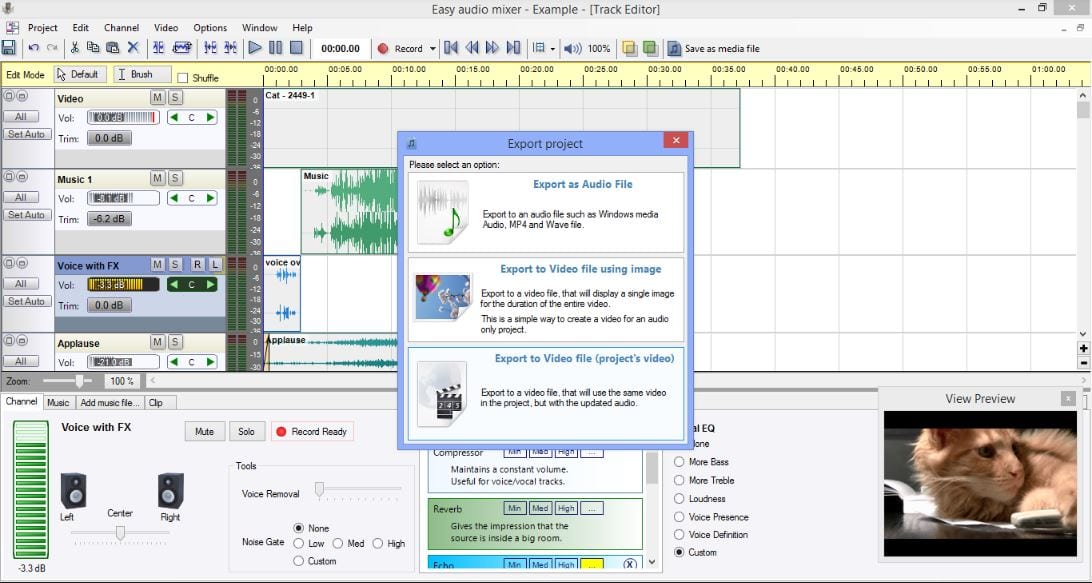 Let us look closer at the key features of Easy Audio Mixer:
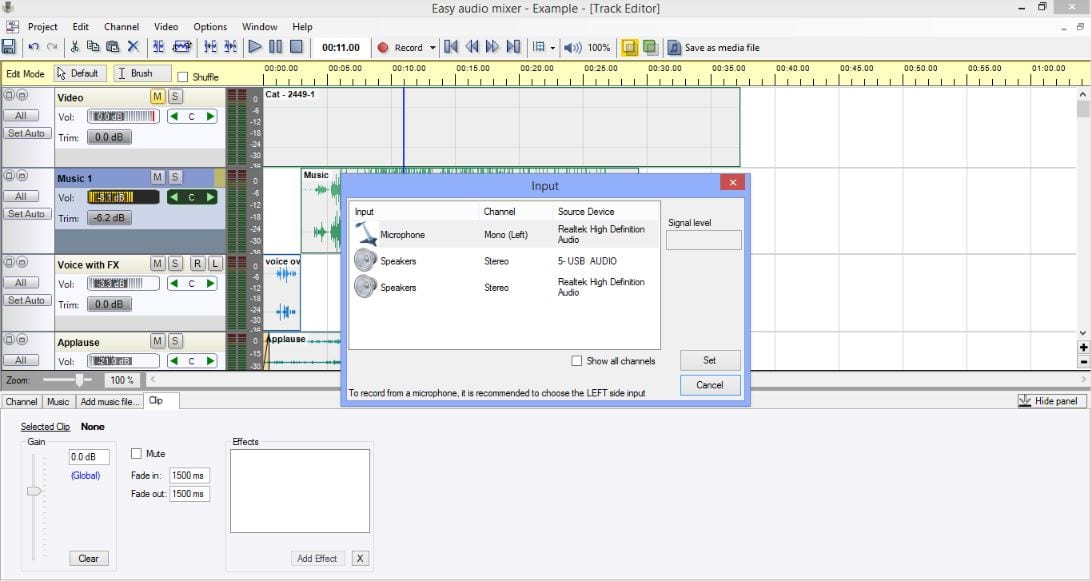
- Sound record from your sound card, microphone or line-in
- WAV, MP3 and OGG, and WMA files import
- Removing vocals from imported audio files
- Easy editing of audio clips
- One-click to apply effects
- Several included presets of effects
- Export to WAV / WMA files that can be played on most music players
- Integrated tutorial videos to help you
- Simplified interface looking like a professional studio one
 In addition to this review, we can offer an article about ht best apps for adding music to the video. Create the most authentic video clips with no effort!
So now you know that importing audio files, editing them, applying creative effects, and exporting to another format is easy and convenient with Easy Audio Mixer. What are you waiting for? Become a professional in a few clicks.
In addition to this review, we can offer an article about ht best apps for adding music to the video. Create the most authentic video clips with no effort!
So now you know that importing audio files, editing them, applying creative effects, and exporting to another format is easy and convenient with Easy Audio Mixer. What are you waiting for? Become a professional in a few clicks.
List of reviewed apps:
Key Features
- Multitrack audio editing with support for VST plugins and ASIO
- Built-in sound effects library to enhance your recordings
- Vocal removal tool to create karaoke versions or backing tracks
- Multiple export formats including WAV and WMA
- Intuitive interface designed for beginners and experienced users alike
Pros and Cons
- Pros:
- Beginner-friendly without sacrificing professional features
- VST plugin support gives you endless creative possibilities
- All-in-one solution for recording, editing, and mixing audio
- Cons:
- Learning curve steepens when diving into advanced VST configurations
- Limited documentation available for troubleshooting specific features
Bottom Line
Download Easy Audio Mixer if you’re serious about creating quality audio projects without the steep learning curve of professional DAWs. Whether you’re recording podcasts, mixing music, or just experimenting with vocals, this software delivers professional results at a fraction of the complexity.