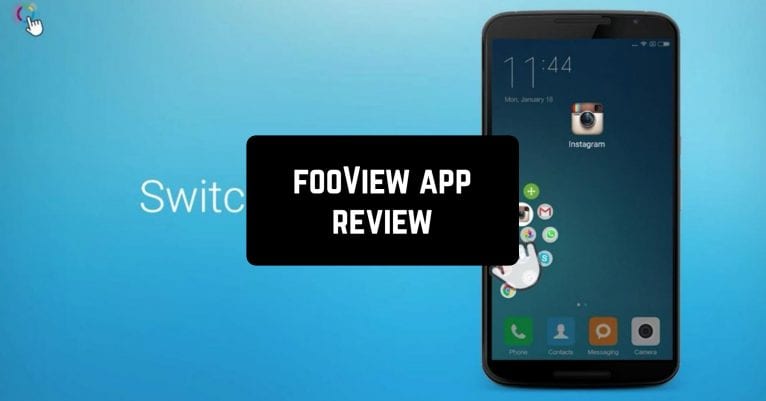
 We really can call it customizes the application to users, it has several modes to personalize. The floating button collects necessary apps in one, you can edit its position on the screen. The app is operated with one hand, just need to use a gesture.
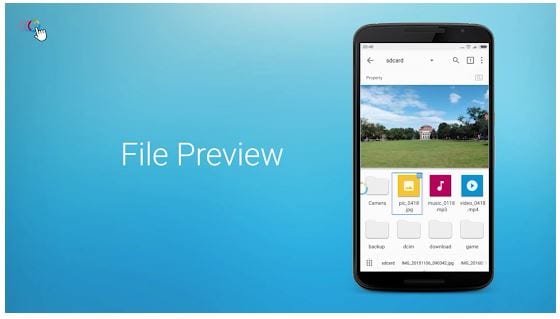
For example, it allows swiping up to get to files, weather, news, or floating window, swiping down to the recent list, notification. File-preview function is provided swiping in. Long press will help to switch or manage apps.
We really can call it customizes the application to users, it has several modes to personalize. The floating button collects necessary apps in one, you can edit its position on the screen. The app is operated with one hand, just need to use a gesture.
For example, it allows swiping up to get to files, weather, news, or floating window, swiping down to the recent list, notification. File-preview function is provided swiping in. Long press will help to switch or manage apps.
 It has definitely wide functionality. Full-featured floating files manager integrates to work with images, music, videos, documents locally, and through the network.
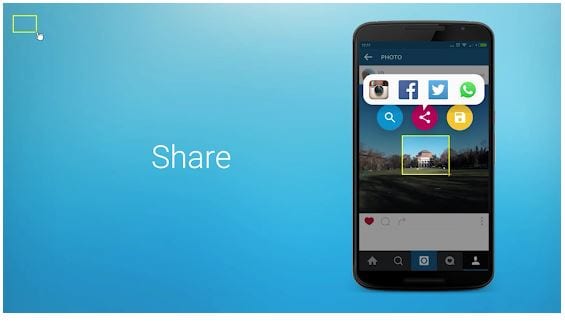
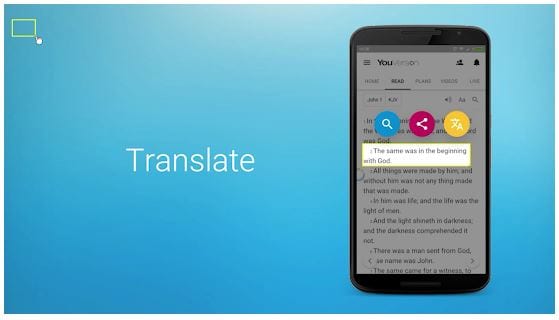
You can save and share screenshots, copy numbers, and detect who’s calling, crop a word to translate, crop an address to check how to route in maps. Enjoy built-in viewers such as pdf, players, and downloader.
It has definitely wide functionality. Full-featured floating files manager integrates to work with images, music, videos, documents locally, and through the network.
You can save and share screenshots, copy numbers, and detect who’s calling, crop a word to translate, crop an address to check how to route in maps. Enjoy built-in viewers such as pdf, players, and downloader.
 One outstanding feature is the web browser and media pop-up window. Multiple search engines will help to find the necessary data. Webs are sorted automatically for quick search.
You may also like: 5 Best Atkins Diet Tracker Apps for Android & iOS
Developers permanently release updates. For example, now it includes functions for disabled users. fooView – Float Viewer has so many great features it is hard to list all of them down. Check them all! Download right now!
One outstanding feature is the web browser and media pop-up window. Multiple search engines will help to find the necessary data. Webs are sorted automatically for quick search.
You may also like: 5 Best Atkins Diet Tracker Apps for Android & iOS
Developers permanently release updates. For example, now it includes functions for disabled users. fooView – Float Viewer has so many great features it is hard to list all of them down. Check them all! Download right now!
List of reviewed apps:
Key Features
- Floating customizable button that keeps your most-used apps and functions just one tap away
- Multiple gesture controls (swipe up, swipe down, long press) to access files, weather, notifications, and recent apps
- Machine learning technology that learns your habits and adapts to your usage patterns
- One-handed operation with adjustable button placement anywhere on your screen
- Multiple personalization modes to tailor the app to your specific workflow
Pros and Cons
- Pros:
- Significantly reduces the number of taps needed to access frequently used apps and features
- Lightweight app with a small package size that won’t bog down your phone
- Intuitive gesture-based controls make it easy to master with built-in demo videos and guides
- Cons:
- Floating buttons can occasionally obstruct content on screen depending on placement
- Learning curve for remembering all available gesture shortcuts may take some time
Bottom Line
If you’re tired of endless tapping and constantly switching between apps, fooView is worth downloading. It’s perfect for power users and multitaskers who want faster access to their phone’s most-used features without cluttering their home screen.