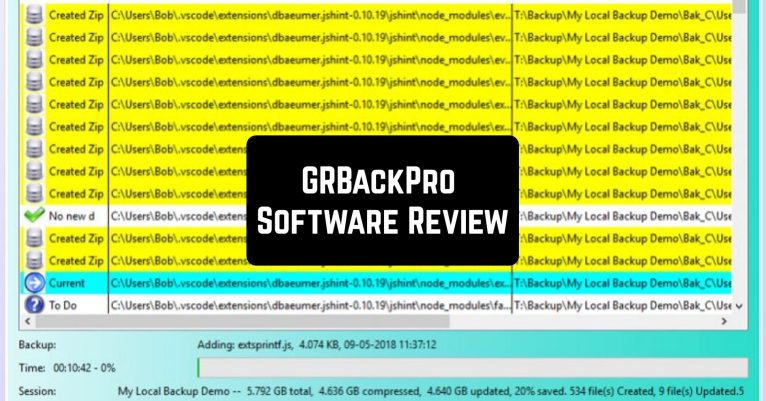
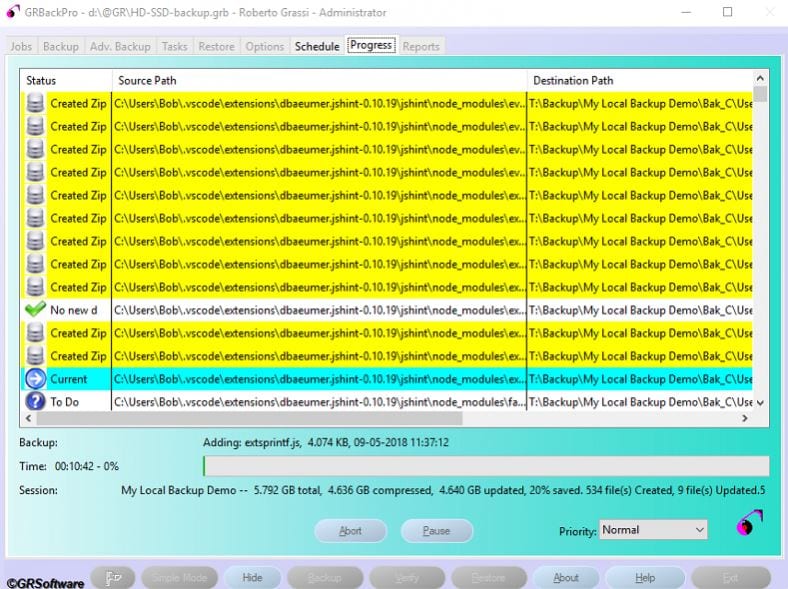
 Download, install, set up schedules for different types of backups, maybe tasks after the end of backups or before them, and forget about it. GRBackPro will sit and quietly do whatever is required in the background. It will save all its activities in log files, and you can view them later if you want.
But you can also monitor the process through the Backup Admin dialog. Everything is very neatly systematized in tables, and it is not difficult to find any info if needed. If there are any backup errors – it will send you an email, just don’t forget to configure this option.
To get more files to your computer that you might want to secure later -you can check out these apps to download videos from YouTube.
There are many more options to tell you about, but here’s one of the most interesting and useful: Simulated backup. Before making a real backup, use it, then check if everything is in order and suits you.
Download, install, set up schedules for different types of backups, maybe tasks after the end of backups or before them, and forget about it. GRBackPro will sit and quietly do whatever is required in the background. It will save all its activities in log files, and you can view them later if you want.
But you can also monitor the process through the Backup Admin dialog. Everything is very neatly systematized in tables, and it is not difficult to find any info if needed. If there are any backup errors – it will send you an email, just don’t forget to configure this option.
To get more files to your computer that you might want to secure later -you can check out these apps to download videos from YouTube.
There are many more options to tell you about, but here’s one of the most interesting and useful: Simulated backup. Before making a real backup, use it, then check if everything is in order and suits you.
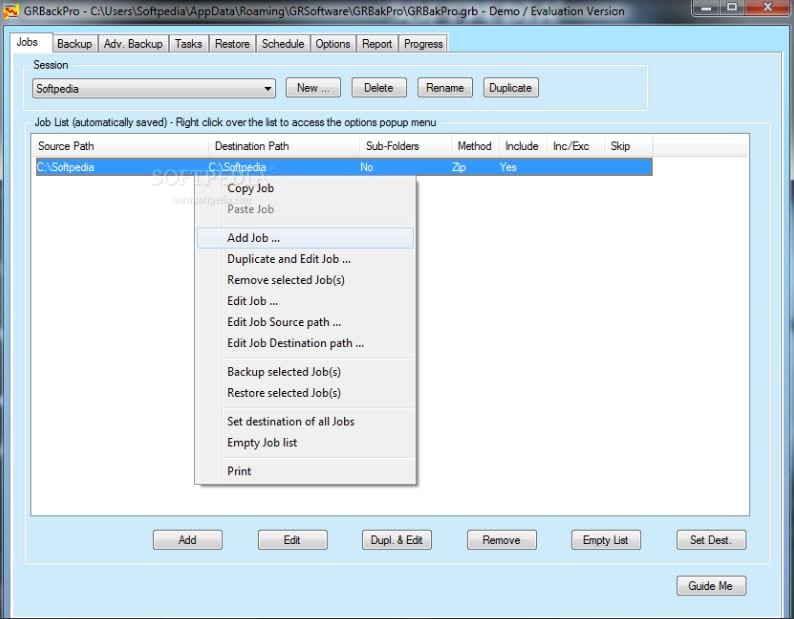 Let’s quickly go over only the main functions and features of GRBackPro:
- Restores backup
- Facilitates verification
- Supports the option to set a task to run before or after starting a backup
- Synchronizes workstation backups
- Synchronizes backup archives with source directories and files
- Supports AES256 encoding
- Compatible with WinZip
- Offers split backup option
- Keeps the history of backups
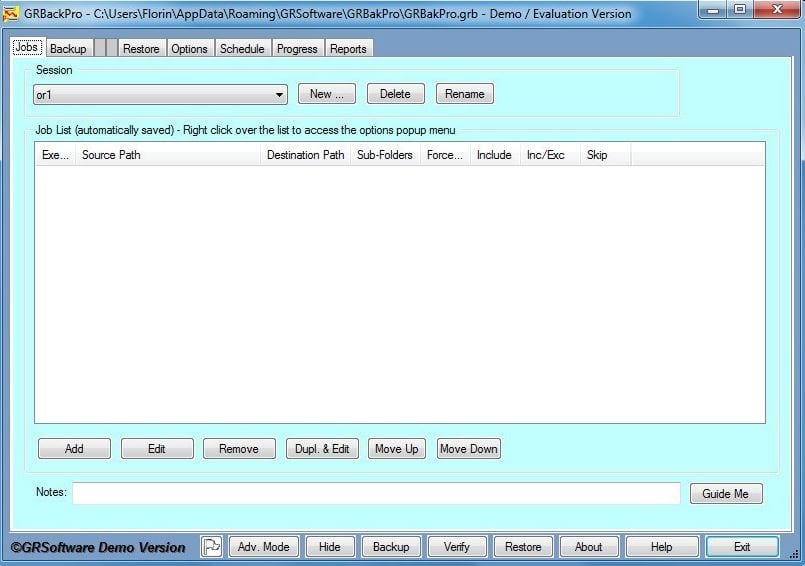 GRBackPro perfectly meets the peculiarities of Windows, and especially the security requirements. Not only can you backup the entire system, individual partitions, or data types but also simply copy or archive with it.
It saves compressed data in ZIP or ZIP64 archive forms. And here’s some dessert for you: the program does an excellent job with pathnames up to 1024 characters and Unicode names even inside ZIP archives!
As a bonus, you can explore our article about the best auto-clicker apps – they will boost your online productivity and will help you to automize processes.
If you do not want to look for an intricate solution, spend much money, and get cracking on plenty of tangled manipulations, then you will definitely like this program. A lot of advantages and a lack of drawbacks!
GRBackPro perfectly meets the peculiarities of Windows, and especially the security requirements. Not only can you backup the entire system, individual partitions, or data types but also simply copy or archive with it.
It saves compressed data in ZIP or ZIP64 archive forms. And here’s some dessert for you: the program does an excellent job with pathnames up to 1024 characters and Unicode names even inside ZIP archives!
As a bonus, you can explore our article about the best auto-clicker apps – they will boost your online productivity and will help you to automize processes.
If you do not want to look for an intricate solution, spend much money, and get cracking on plenty of tangled manipulations, then you will definitely like this program. A lot of advantages and a lack of drawbacks!
List of reviewed apps:
Key Features
- Automated backup scheduling for Windows servers (32 and 64-bit)
- Multiple backup types with customizable pre and post-backup tasks
- Comprehensive logging and activity monitoring through Backup Admin dialog
- Email notifications for backup errors and issues
- Background operation that runs quietly without interrupting your workflow
Pros and Cons
- Pros:
- Set it and forget it — schedules handle backups automatically
- Detailed logging and organized dashboard make it easy to track what’s happening
- Email alerts keep you informed if something goes wrong
- Cons:
- Requires careful configuration upfront, especially for email notifications
- Best suited for Windows Server environments, not a general-purpose backup tool
Bottom Line
If you’re responsible for Windows Server backups and want a reliable, hands-off solution, GRBackPro is worth downloading. It handles the heavy lifting in the background while keeping you informed through logs and alerts, so you can focus on actual work instead of babysitting your backups.