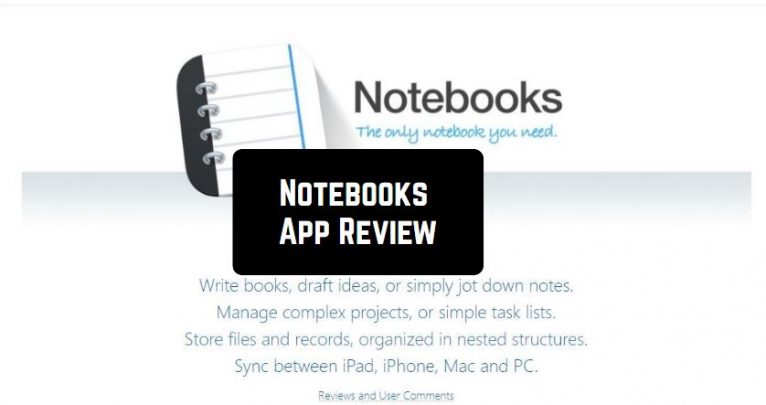
Do you want to try a multifunctional text editor? If your answer is “yes”, we have to present to you the Notebooks app. This tool is full of magnificent features, so let’s have a look!
First of all, we have to admit that Notebooks installs in a few seconds, as it is pretty lightweight.
For those who like to keep their life organized, there are great reminder apps, that will help you not to forget about any important task.
So, what tasks can we carry out in this tool?
- Edit texts
- Write articles, notes, scripts, or even books
- Create formatted documents
- Add images, tables, styles, etc.
- Import files and documents
- Scan documents and extract the text using OCR
- Keep and organize files or tasks
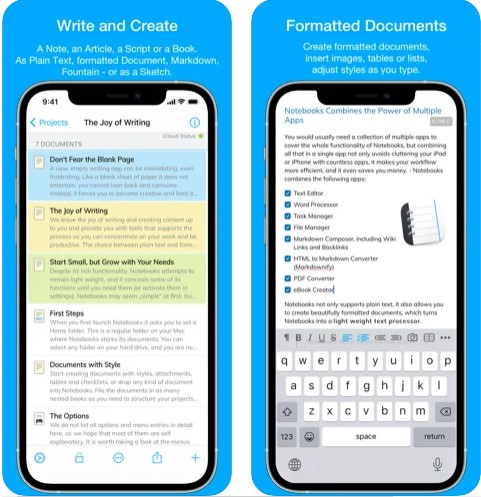
In addition to the aforesaid, Notebooks allows you to save all the types of files in one place without limits. Moreover, the app allows you to compile all the selected documents or the contents of the book in an eBook or PDF document.
By the way, you can import ALL documents regardless its type – PDF, email, MS Office, photos, videos, music, etc.
Despite a great number of functions, Notebooks boasts a user-friendly interface that is very simple to navigate. There is no need to be very tech-savvy to understand how this tool works. Besides, the app’s version is constantly updated. No doubt, this is a great bonus!
Another useful feature that many users will certainly like – the app supports sync between iPad, iPhone, Mac, and PC. Thus, you can use this tool on any electronic device you want!
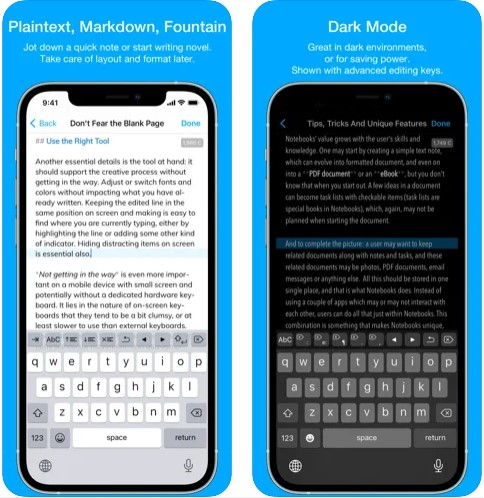
As for other interesting options of this app, you can also add flowcharts, handle lists, highlight or center a line on the screen, and so many others!
All the users have positive impressions of this app. So, we believe it will fully suit you as well!
And if you want carefully plan all your events, you can also check these event planner apps – and you will be doing that in a convenient and fast way.
To sum up, we can surely say that Notebooks is a must-have tool for all writers and editors. We have not found any significant disadvantages there. So, hurry up to download it – you will not regret!

Key Features
- Rich text editing with formatting options, styles, and multimedia support (images, tables, embedded content)
- Universal file compatibility — import and organize PDFs, Office documents, photos, videos, and more in one place
- OCR technology to scan physical documents and extract text automatically
- Export functionality to compile your work into eBooks or PDF documents
- Unlimited cloud storage to keep all your files organized without worrying about space
Pros and Cons
- Pro: Lightning-fast installation due to its lightweight design
- Pro: Handles virtually any file type, making it a true all-in-one solution
- Pro: OCR scanning feature is perfect for digitizing handwritten notes and paper documents
- Con: Feature-rich interfaces can feel overwhelming for users who just want basic note-taking
- Con: Learning curve may be steep if you only need simple text editing
Bottom Line
Notebooks is ideal for writers, students, and professionals who need a powerful, all-purpose document management tool. If you’re juggling multiple file types and want everything organized in one streamlined app, Notebooks delivers the functionality without the bloat.