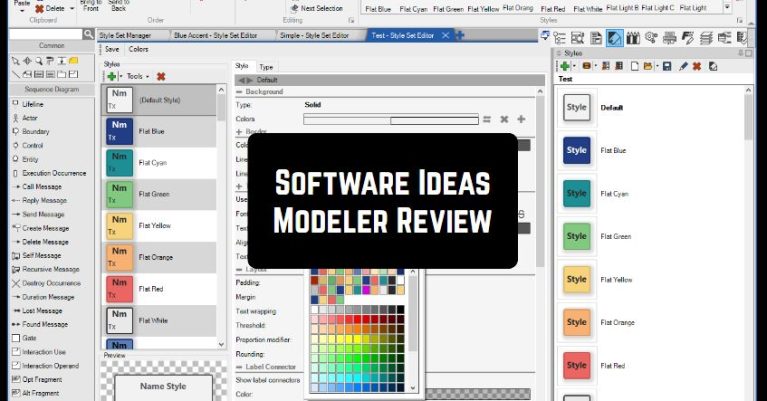
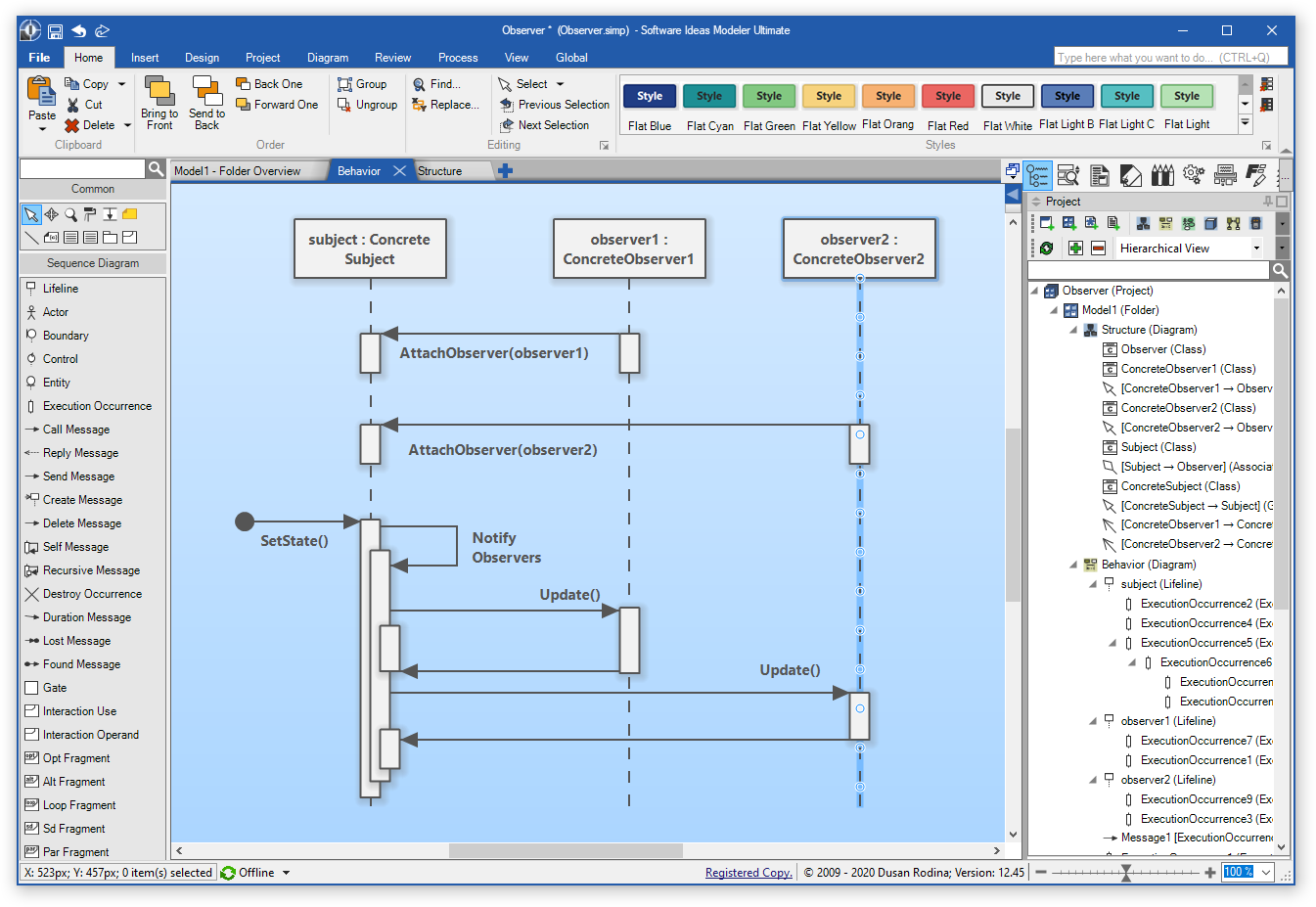
 By the way, if you face any difficulties, the developer offers various tutorials and user guides on the official website. The best part of this tool – you can create the diagram in a few clicks. All you need to do – select a preferred diagram style. After that, you will find a palette of shapes and drawing options. Lastly, you can adjust the text, background color, and line style.
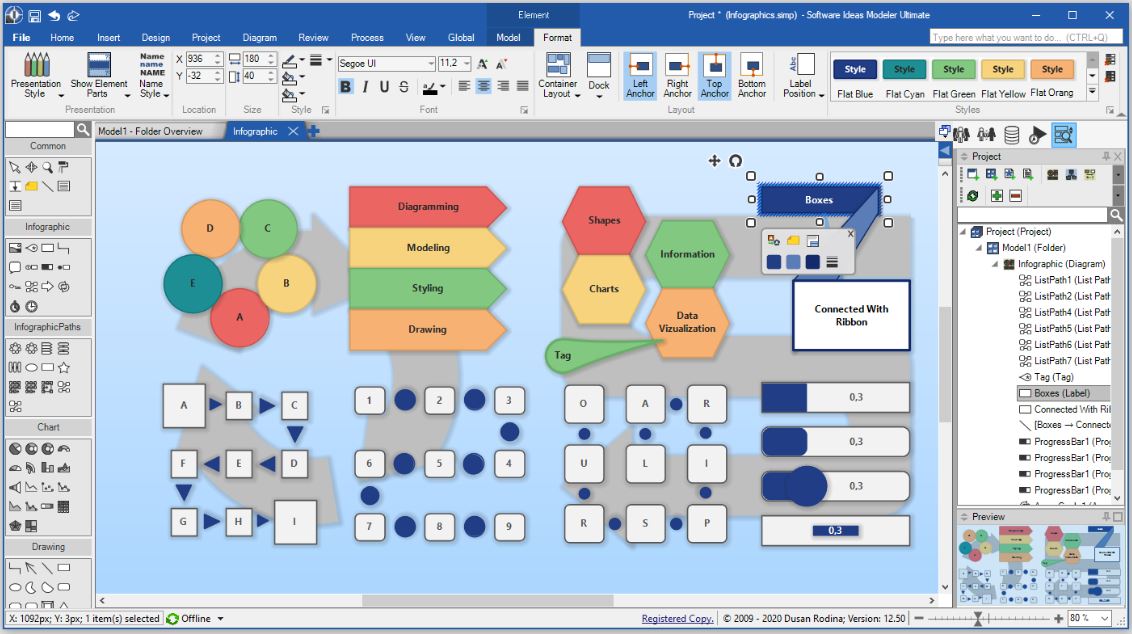
Software Ideas Modeler provides a great variety of other useful features. For example, you can use layers, groups, snap grid, container and auto layouts. Besides, in this program, you will find various styles that will make your diagrams look more exciting. When your project is completed, you can export it to various files – PNG, JPG, GIF, or PDF.
By the way, if you face any difficulties, the developer offers various tutorials and user guides on the official website. The best part of this tool – you can create the diagram in a few clicks. All you need to do – select a preferred diagram style. After that, you will find a palette of shapes and drawing options. Lastly, you can adjust the text, background color, and line style.
Software Ideas Modeler provides a great variety of other useful features. For example, you can use layers, groups, snap grid, container and auto layouts. Besides, in this program, you will find various styles that will make your diagrams look more exciting. When your project is completed, you can export it to various files – PNG, JPG, GIF, or PDF.
 And if you want to create graphs of all types – both on paper and digital – you can use these drawing apps.
We have not noticed any negative feedback from the users. The major disadvantage there – free trial lasts for 30 days. Overall, Software Ideas Modeler is truly worth downloading. Hurry up to try it – you will not regret!
And if you want to create graphs of all types – both on paper and digital – you can use these drawing apps.
We have not noticed any negative feedback from the users. The major disadvantage there – free trial lasts for 30 days. Overall, Software Ideas Modeler is truly worth downloading. Hurry up to try it – you will not regret!
List of reviewed apps:
Key Features
- Create multiple diagram types including flowcharts, UML diagrams, entity-relationship diagrams, and more
- Lightweight software that installs quickly without bogging down your system
- Multi-language support for users around the world
- Work on multiple projects simultaneously using tabbed interface
- Extensive library of shapes and templates for rapid diagram creation
Pros and Cons
- Pros:
- User-friendly interface that doesn’t require advanced technical skills
- Quick diagram creation with just a few clicks
- Comprehensive tutorials and user guides available on the official website
- Cons:
- Mobile functionality appears limited compared to desktop version
- Learning curve for advanced features and diagram types
Bottom Line
Software Ideas Modeler is perfect for anyone who needs to create professional diagrams without the steep learning curve of complex design software. Whether you’re a student, project manager, or business analyst, this lightweight tool makes it easy to visualize your ideas in minutes.