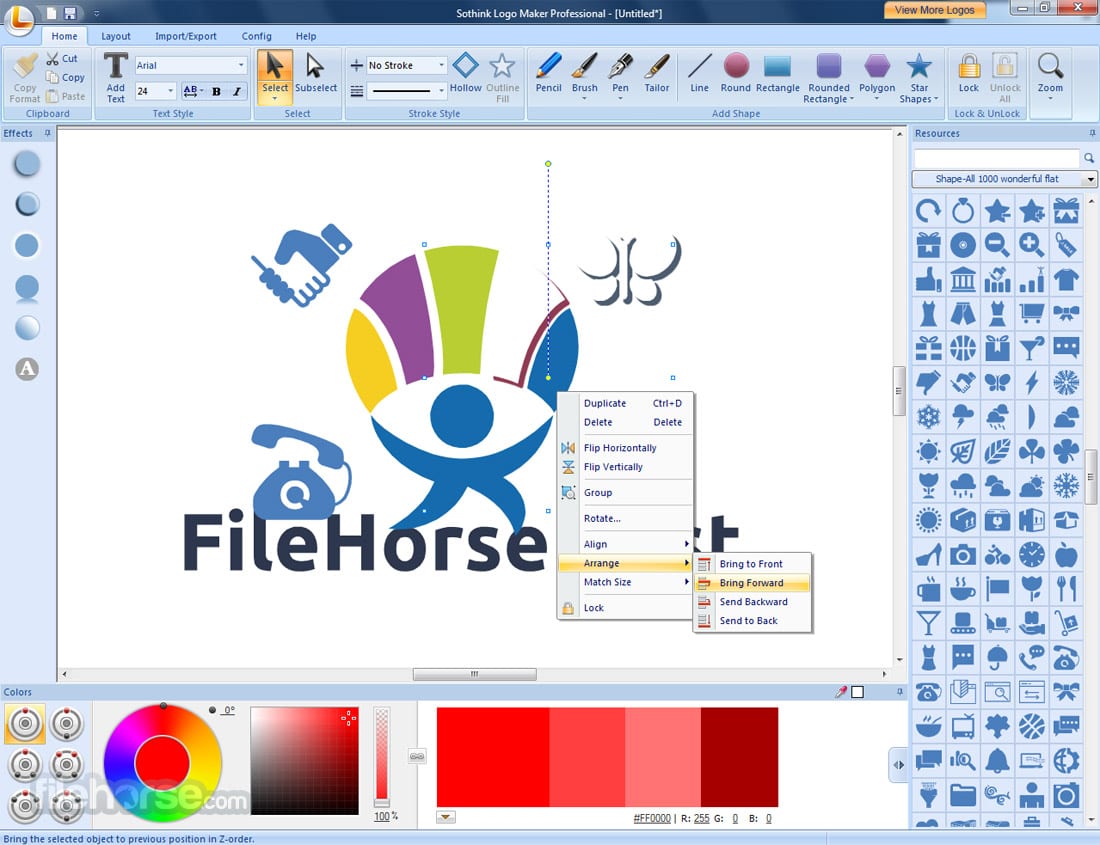
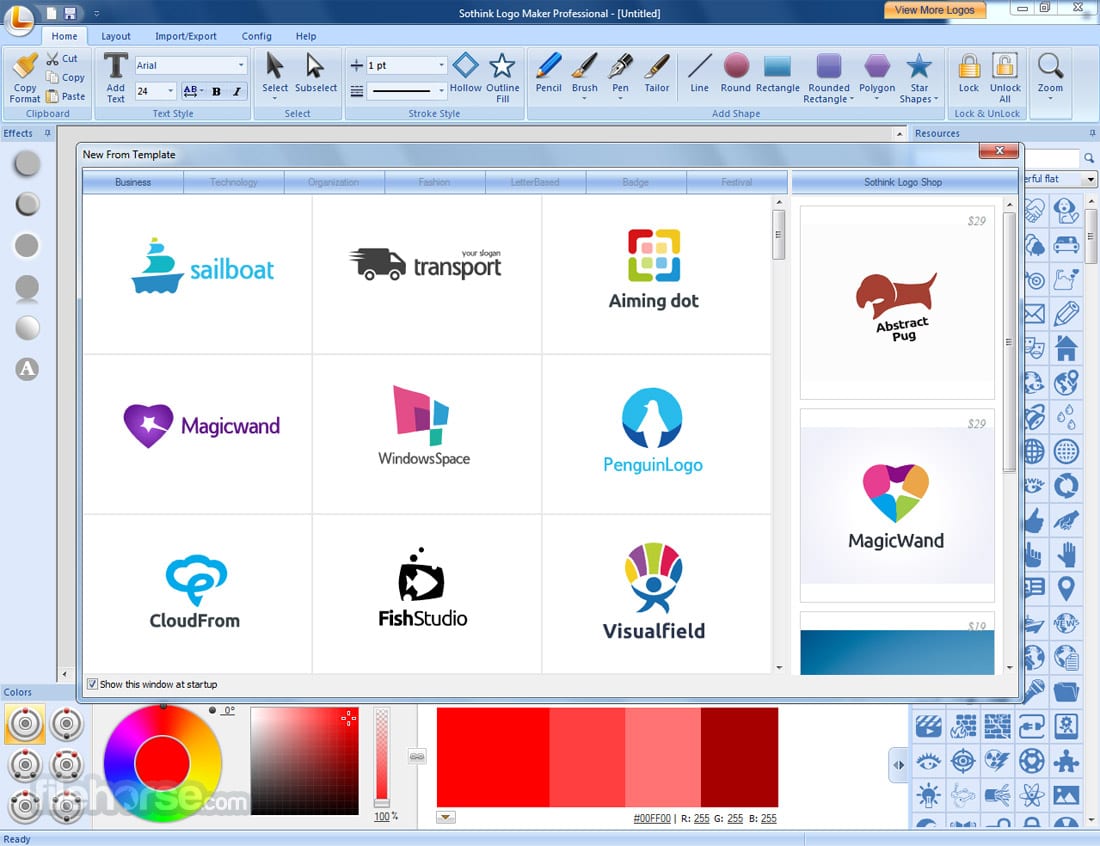
 One of the major advantages – it does not take too much time. The program allows you to make a perfect logo just in a minute. Besides, it comes with more than 450 logo patterns.
The software has a special WYSIWYG interface, where you can use such hand-drawing elements as pen, pencil, brush, rubber, and so on.
One of the major advantages – it does not take too much time. The program allows you to make a perfect logo just in a minute. Besides, it comes with more than 450 logo patterns.
The software has a special WYSIWYG interface, where you can use such hand-drawing elements as pen, pencil, brush, rubber, and so on.
 Moving on, Sothink Logo Maker Pro provides more than 2000 specified color schemes for any DIY-design. Your task is to pick a dominant color and it will offer color palettes to colorize your logo.
And if this software is not enough to express your creative potential we can also recommend the best apps to create your own character – express your inner self!
In this program, you will find such splendid effects as shadow, gradient, bevel, and others. What is more, you can easily convert text into shapes or apply various colors. Monogram, rainbow texts, and split tools – all these things are waiting for you!
Moving on, Sothink Logo Maker Pro provides more than 2000 specified color schemes for any DIY-design. Your task is to pick a dominant color and it will offer color palettes to colorize your logo.
And if this software is not enough to express your creative potential we can also recommend the best apps to create your own character – express your inner self!
In this program, you will find such splendid effects as shadow, gradient, bevel, and others. What is more, you can easily convert text into shapes or apply various colors. Monogram, rainbow texts, and split tools – all these things are waiting for you!
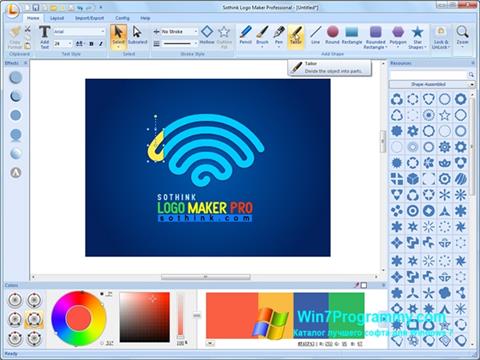 Sothink Logo Maker Pro offers a free trial, but you can also purchase it at a quite reasonable price. The program supports English, Deutsch, and Chinese. Moreover, it boasts an intuitive design that makes its interface easy to manage. With a help of few clicks, you will easily copy logo elements!
In case of any misunderstandings, the manufacturer provides a guide video on how to design a professional logo. So, you will quickly understand how everything works there.
What is more, check out our best polaroid frame apps so you can use them any time you need to add a stylish frame to your picture or logo.
All in all, Sothink Logo Maker Pro Software is a must-have tool for anyone who wants to create a qualitative and excellent logo. We have not found any flaws in this tool. So, hurry up to try it – we believe it will fully suit you!
Sothink Logo Maker Pro offers a free trial, but you can also purchase it at a quite reasonable price. The program supports English, Deutsch, and Chinese. Moreover, it boasts an intuitive design that makes its interface easy to manage. With a help of few clicks, you will easily copy logo elements!
In case of any misunderstandings, the manufacturer provides a guide video on how to design a professional logo. So, you will quickly understand how everything works there.
What is more, check out our best polaroid frame apps so you can use them any time you need to add a stylish frame to your picture or logo.
All in all, Sothink Logo Maker Pro Software is a must-have tool for anyone who wants to create a qualitative and excellent logo. We have not found any flaws in this tool. So, hurry up to try it – we believe it will fully suit you!
List of reviewed apps:
Key Features
- Create professional logos in just one minute with pre-designed templates
- Access over 450 logo patterns and 2000+ color schemes for instant customization
- Support for multiple file formats (PNG, JPG, BMP, GIF, SVG, SWF) for flexible design workflows
- WYSIWYG editor with hand-drawing tools including pen, pencil, brush, and eraser for custom touches
- Seamless integration with image editing — cut and paste logos directly into other designs
Pros and Cons
- Pros: Incredibly fast logo creation, extensive library of ready-made elements, intuitive interface that doesn’t require design experience
- Cons: Heavy reliance on templates may limit truly unique designs, learning curve for advanced hand-drawing tools
Bottom Line
Sothink Logo Maker Pro is perfect for small business owners, freelancers, and entrepreneurs who need a professional-looking logo without hiring a designer or spending hours learning complex software. If you want a quick, affordable solution that balances ease of use with creative flexibility, this app is definitely worth a download.