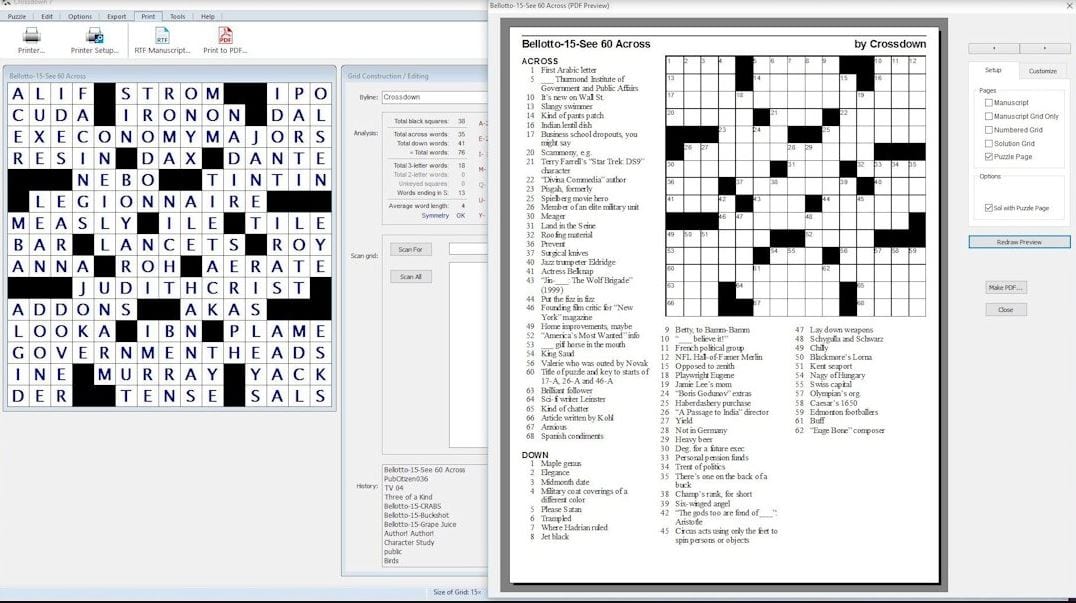
 If you want to construct a crossword puzzle, click on the Squares button and choose a preferable size to build a mesh. After that, click on Construct to add the answers. When the crossword puzzle is ready, use the Autoclue option to add clues. If you click on the clue, it marks the area of the mesh to fill in.
This game is available for PC but it’s not available for mobile devices. But did you know there are games which are available at both of them? Check out this article to find out.
Moving on, CROSSDOWN offers a basic solve mode that enables authors to test their works. You can generate autonomous “player” game applications to try it on other computers.
If you want to construct a crossword puzzle, click on the Squares button and choose a preferable size to build a mesh. After that, click on Construct to add the answers. When the crossword puzzle is ready, use the Autoclue option to add clues. If you click on the clue, it marks the area of the mesh to fill in.
This game is available for PC but it’s not available for mobile devices. But did you know there are games which are available at both of them? Check out this article to find out.
Moving on, CROSSDOWN offers a basic solve mode that enables authors to test their works. You can generate autonomous “player” game applications to try it on other computers.
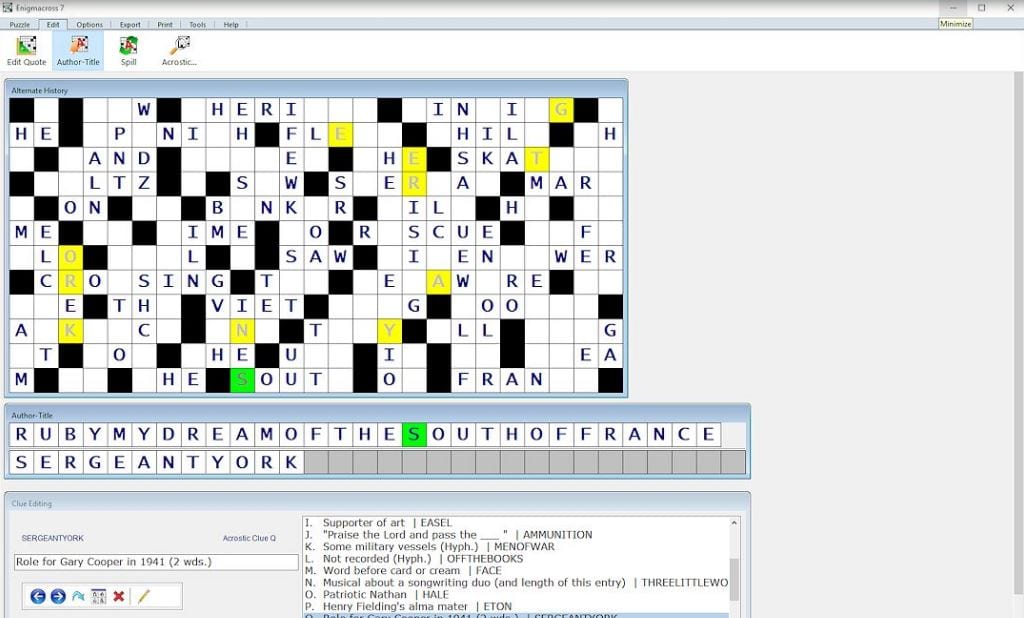 CROSSDOWN allows you to export crossword puzzles in various graphic file formats to use with desktop publishing software and word processors. What is more, you can produce your creations as Adobe PDF files to use on other computer platforms.
Nowadays it is not easy to find a qualitative program that would not ask for tons of money. CROSSDOWN provides a free trial, but you can purchase a full version at a quite accessible price.
CROSSDOWN allows you to export crossword puzzles in various graphic file formats to use with desktop publishing software and word processors. What is more, you can produce your creations as Adobe PDF files to use on other computer platforms.
Nowadays it is not easy to find a qualitative program that would not ask for tons of money. CROSSDOWN provides a free trial, but you can purchase a full version at a quite accessible price.
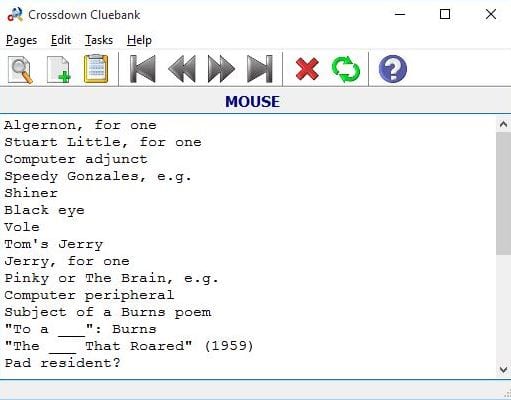 The last version of the program contains Crossdown Librarian and Crossdown Cluebank sections. Crossdown Librarian is a
database manager that enables you to group and organize your crossword puzzles. In the Crossdown Cluebank, you can keep all cues on how to solve a crossword. You can use a list of clues or select the full solution.
And if you get tired of too calm and easy games you can explore our list of the best horror multiplayer games – the double thrill together with your friends is guaranteed!
Overall, CROSSDOWN is truly worth trying. If you are a fan of crosswords, this software is definitely your option. This is an ideal tool for both professionals and experienced amateurs. It supports all versions of Windows.
The last version of the program contains Crossdown Librarian and Crossdown Cluebank sections. Crossdown Librarian is a
database manager that enables you to group and organize your crossword puzzles. In the Crossdown Cluebank, you can keep all cues on how to solve a crossword. You can use a list of clues or select the full solution.
And if you get tired of too calm and easy games you can explore our list of the best horror multiplayer games – the double thrill together with your friends is guaranteed!
Overall, CROSSDOWN is truly worth trying. If you are a fan of crosswords, this software is definitely your option. This is an ideal tool for both professionals and experienced amateurs. It supports all versions of Windows.

List of reviewed apps:
Key Features
- Create custom crossword puzzles from scratch with flexible grid sizing
- Auto-clue generation to save time on puzzle descriptions
- Multiple export and printing options in various styles
- Built-in solve mode to test puzzles before publishing
- Web publishing capabilities for sharing puzzles online
Pros and Cons
- Pros:
- Intuitive interface that’s easy to learn, even for beginners
- Comprehensive toolset goes beyond basic puzzle generation
- Helpful auto-clue feature speeds up the creation process
- Cons:
- PC-only application with no mobile version available
- Best suited for users serious about puzzle creation rather than casual players
Bottom Line
If you’re a crossword enthusiast looking to create professional-quality puzzles for personal use or online publishing, CROSSDOWN is worth downloading. It balances user-friendliness with powerful features, making it ideal for both puzzle hobbyists and educators who want to craft engaging brain-teasers without wrestling with overly complex software.