Some moments deserve more than a single frame. A birthday, a weekend road trip, a before-and-after of your new haircut, all of it lands better when you can line the shots up side by side and share one clean image. That is exactly what a good collage maker does, and the free ones have quietly gotten very good.
We spent time with each app the way you actually would: dropping in a handful of photos, trying the grid and freestyle layouts, nudging borders, and piling on stickers and text before exporting. We paid attention to how many layouts you get without paying, whether the free export stays clean, and how fast you can go from camera roll to finished post. Every pick here runs on both Android and iOS, so you can grab any of them no matter what is in your pocket.
One more thing before the list: if you tend to prep a whole batch of images before you build a collage, our roundup of 9 Free Batch Photo Editors for Android & iOS pairs nicely with everything below.
PicCollage
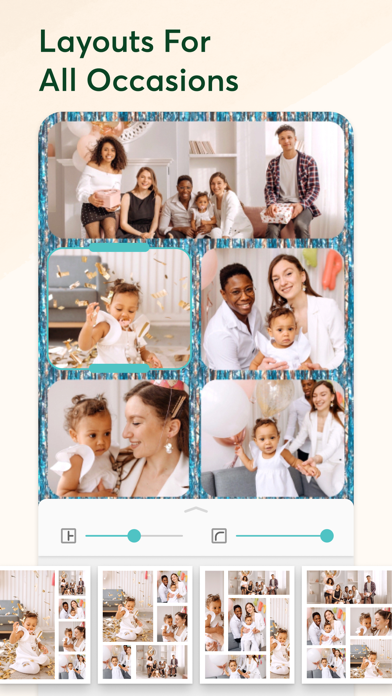
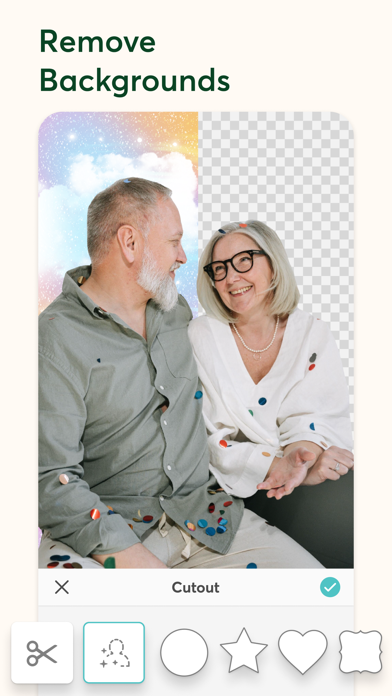
PicCollage has been a favorite for collage lovers for years, and it still feels friendly the second you open it. You pick a layout or start on a blank canvas, drop in photos, and drag them around until the arrangement clicks. There is a playful side too, with a huge sticker library, doodles, and a cut-out tool that lets you lift a subject out of one photo and drop it into another.
In our testing, the freeform mode was the standout. We pulled in six vacation shots, scattered them across a textured background, then pinched and rotated each one into a loose scrapbook look in under two minutes. The template grids are there when you want something tidy, but the drag-anywhere freedom is what keeps people coming back.
Main features:
- Grid, freestyle, and template-based collage layouts
- Large library of stickers, backgrounds, and doodle tools
- Cut-out tool to lift subjects and place them anywhere
- Add text with plenty of fonts and colors
- Export in high resolution or share straight to social apps
The catch is that many of the best stickers, backgrounds, and templates are locked behind the paid PicCollage Plus subscription.


PhotoGrid
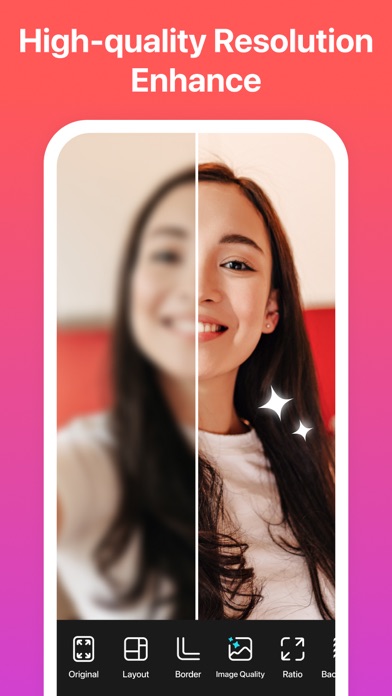
PhotoGrid wants to be a whole photo studio, and collages sit right at the heart of it. You get a big wall of grid layouts, room for a dozen or more photos in one frame, and a stack of editing extras like filters, beauty tools, and even video collages if you want motion. It is the kind of app you open for a quick grid and end up poking around in for twenty minutes.
We loaded nine photos and PhotoGrid instantly suggested a batch of layouts built for that exact count, which saved a lot of fiddling. Swapping a photo was as simple as tapping the slot and picking a replacement, and the border and corner-radius sliders made the whole thing look polished without much effort.
What stood out in our testing:
- Hundreds of grid layouts that adapt to your photo count
- Photo and video collages in a single app
- Filters, stickers, text, and backgrounds built in
- Adjustable borders, spacing, and rounded corners
- Beauty and retouch tools for portraits
Be ready for ads that pop up between actions, which can interrupt your flow at the worst moments.
Canva
Canva is the app people reach for when a plain grid is not quite enough. Its collage side is stocked with designer-made templates, so you can start from a layout that already looks like a magazine spread and swap in your own photos. Text, shapes, gradients, and a deep font list are all a tap away, which makes it easy to turn a photo grid into a poster, a story, or a birthday card.
We built a three-photo collage for an Instagram story and had it looking sharp in about a minute, mostly because the templates handle the spacing and typography for you. Everything lives in your account too, so a collage you start on your phone is waiting on your laptop later, which is handy when you want to fine-tune on a bigger screen.
Key tools:
- Thousands of editable collage and grid templates
- Drag-and-drop photos, text, shapes, and stickers
- Cloud sync across phone, tablet, and web
- Background remover and photo effects
- Direct export to social sizes and formats
You will need to create a free account and sign in before you can start designing.
Fotor
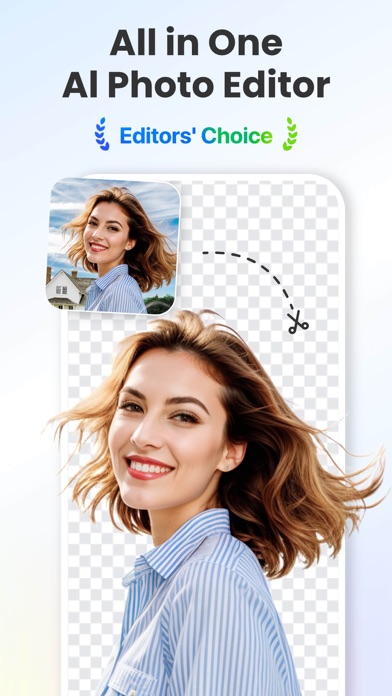
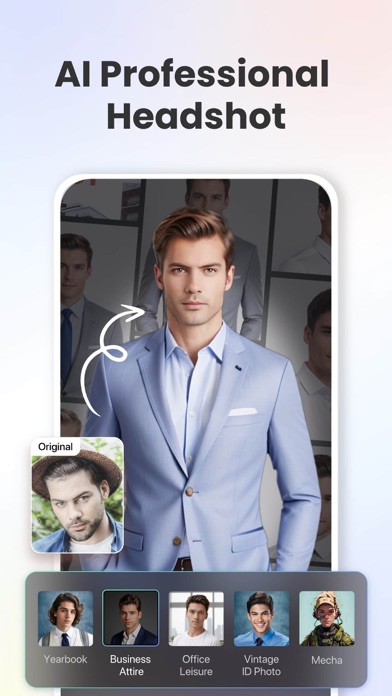
Fotor sits comfortably between a full editor and a collage maker, and that balance is its strength. The collage section hands you classic grids, artistic layouts, and freestyle canvases, and once your photos are in place you can jump straight into filters, effects, and touch-up tools without leaving the app. It is a smooth way to build a collage and polish the individual shots in one sitting.
We dropped four photos into a magazine-style layout, matched the border color to the mood, then ran a warm filter across the whole thing so the set felt cohesive. The one-tap effects did most of the heavy lifting, and the result looked like it took far longer than the couple of minutes it actually did.
What it does well:
- Grid, artistic, and freestyle collage modes
- One-tap filters and effects for the whole collage
- Retouch and enhance tools for individual photos
- Adjustable borders, backgrounds, and stickers
- High-resolution export for print or social
A small Fotor watermark can show up on some free exports, and the nicest effects sit behind the Pro tier.
You may also like: Vintage Photo Filter Apps
Moldiv
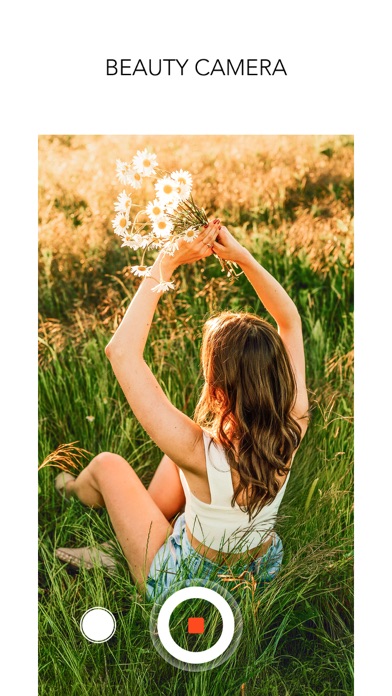
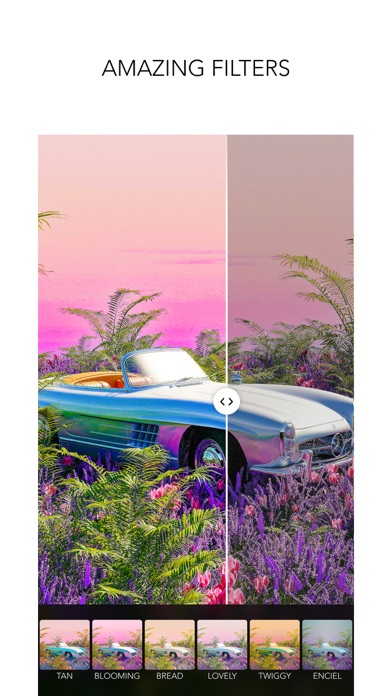
Moldiv leans hard into style. Its collage layouts have a magazine-cover polish, and it pairs them with a genuinely large filter collection and a set of decorative frames that give your grids an editorial feel. If you care about how the finished piece looks as much as the photos inside it, Moldiv is a satisfying place to work.
We arranged five photos in one of the layered magazine layouts, added a caption in a serif font, and finished with a film-style filter, and it honestly looked like a page pulled from a lifestyle magazine. Adjusting the frame thickness and the rounded corners took only a few taps, and the live preview meant we never had to guess how the export would land.
Why it earns a spot:
- Magazine-style collage layouts with editorial flair
- Big collection of filters and adjustable frames
- Text tool with stylish fonts and captions
- Stickers, stamps, and decorative overlays
- Fine control over borders, spacing, and corners
Many of the best filter and sticker packs are paid add-ons, so the free set starts to feel thin the more you use it.
Pic Stitch
Pic Stitch keeps things refreshingly simple. It is built around frame-based layouts, so you pick a grid, tap each slot to fill it, and you have a clean collage in seconds. There is no steep learning curve and no overwhelming wall of menus, which makes it a solid choice when you just want to stitch a few photos together and move on.
We put together a quick four-photo grid for a group chat and it took maybe thirty seconds from open to export. You still get the essentials, like adjustable borders, rounded corners, and basic filters, but the app never gets in the way of the one job you came to do.
Here is what you can do with it:
- Wide range of ready-made frame layouts
- Tap-to-fill slots for fast collage building
- Adjustable borders, spacing, and corner rounding
- Basic filters and photo adjustments
- Quick sharing to social and messaging apps
The interface feels dated next to newer apps, and a banner ad sits at the bottom of the screen while you work.
PicsArt
PicsArt is a heavyweight photo editor, and its collage maker rides along with all that power. You get grid collages, freestyle layouts, and frame styles, plus the option to drop your finished grid into the full editor for cut-outs, effects, and text. For anyone who likes to push past a plain grid, it opens a lot of doors.
We started with a six-photo grid, then used the cut-out tool to float one subject over the top of the collage for a layered look you cannot get in simpler apps. The sticker and effect libraries are enormous, so it took real restraint to stop editing, but the creative ceiling here is clearly higher than most collage-only tools.
What it brings to the table:
- Grid, freestyle, and frame collage layouts
- Full editor with cut-out, effects, and blending tools
- Massive sticker, font, and background libraries
- Background remover and one-tap enhancements
- Export in high quality or share directly
It nudges you toward the paid PicsArt Gold plan constantly, and the steady stream of upsells can wear thin.
Pick by how you like to work. PicCollage and Pic Stitch are the fastest routes to a clean grid, PhotoGrid and PicsArt hand you the deepest toolboxes, and Canva, Fotor, and Moldiv are the ones to grab when you want the finished piece to look designed rather than just assembled. Every one of them is free to start, so download two or three and let your camera roll decide the winner.