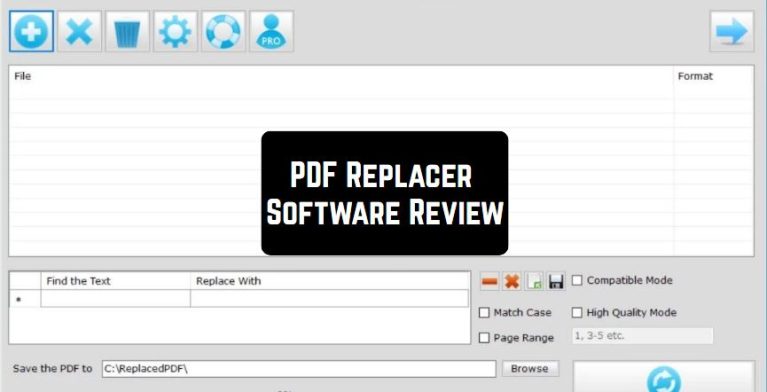
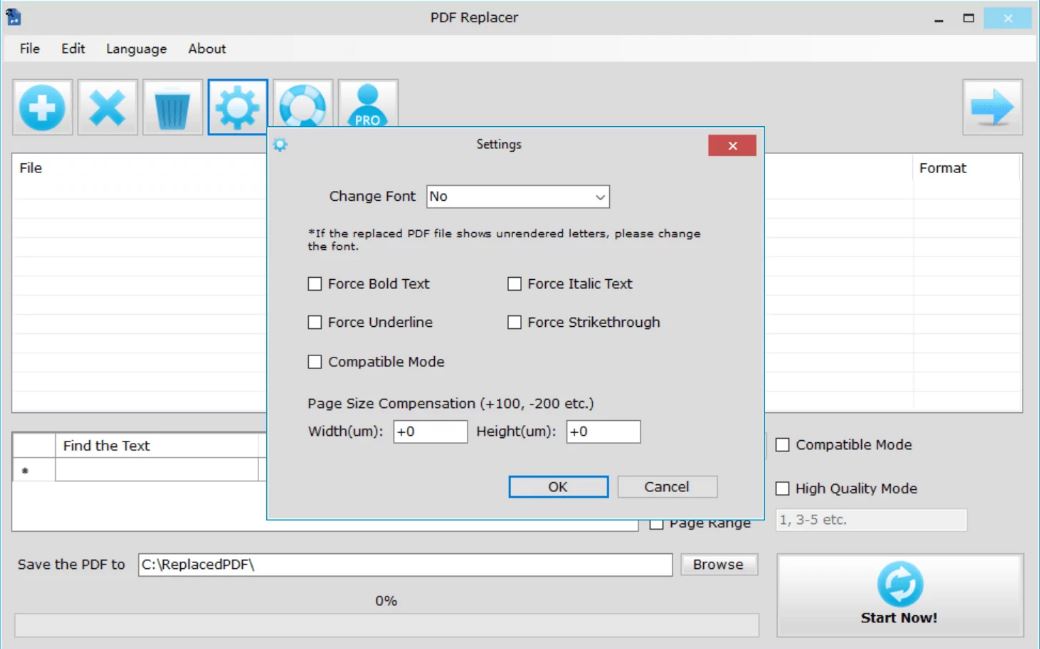
 PDF-Replacer provides the ability to save for search and replace words that will match the lexicon, new terminological minimum, facilitating the task of finding synonymous substitutions for these words. The Replacer allows you to change the font and the design of the text in the file. It supports a huge package of languages (50 or more).
Actually. this product has very wide functionality. There is a function available for batch replacement of important words in PDF. If there are some confidential words in the file that should be invisible to other readers, then they can easily be replaced with the “*” or space.
PDF-Replacer provides the ability to save for search and replace words that will match the lexicon, new terminological minimum, facilitating the task of finding synonymous substitutions for these words. The Replacer allows you to change the font and the design of the text in the file. It supports a huge package of languages (50 or more).
Actually. this product has very wide functionality. There is a function available for batch replacement of important words in PDF. If there are some confidential words in the file that should be invisible to other readers, then they can easily be replaced with the “*” or space.
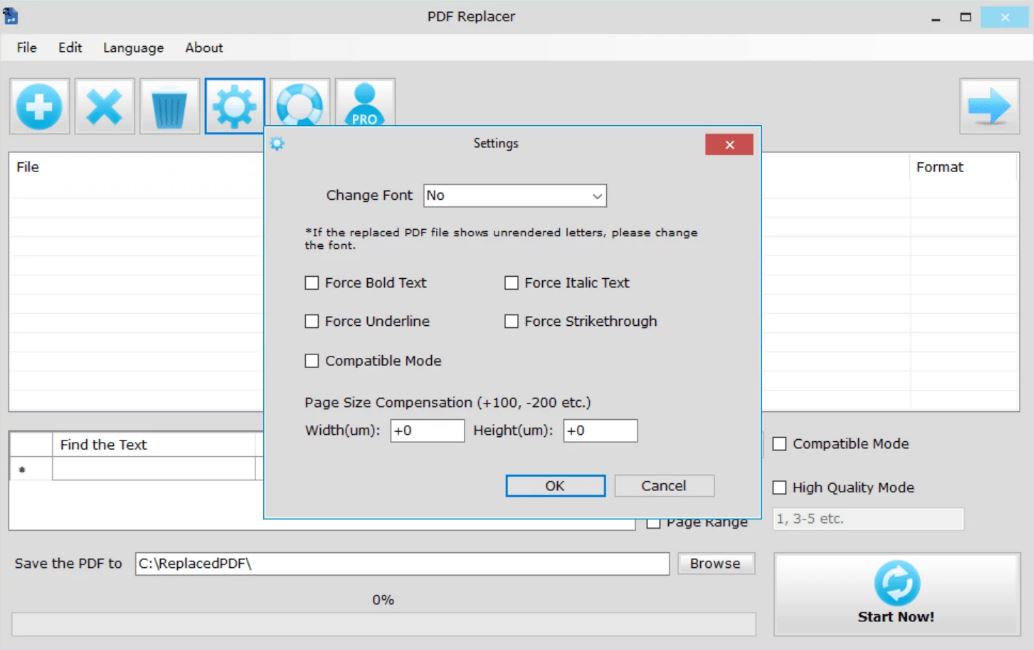 If you need to replace a person’s name, company name, etc. in the documents, then enter this word in the “Find” column in the application, enter a new name in the “Replace with” column and then click “Replace now”. This program allows you to update the dates and times in the entire text. Besides, there are functions for deleting words or sentences, highlighting a certain word or sentence, and changing the color of the text.
As for the technical support of the program, on the website from which the product is downloaded, there is a section “Tips and instructions for replacing PDF files”, where everything is explained in detail. And after watching a tutorial video, it becomes as plain as day how to use the program.
We want also to recommend good zip and RAR extractor apps for files on Android and iOS devices – never have problems with archived documents again.
The PDF-Replacer application is a program with which working with texts in PDF format will become very convenient and much more pleasant!
If you need to replace a person’s name, company name, etc. in the documents, then enter this word in the “Find” column in the application, enter a new name in the “Replace with” column and then click “Replace now”. This program allows you to update the dates and times in the entire text. Besides, there are functions for deleting words or sentences, highlighting a certain word or sentence, and changing the color of the text.
As for the technical support of the program, on the website from which the product is downloaded, there is a section “Tips and instructions for replacing PDF files”, where everything is explained in detail. And after watching a tutorial video, it becomes as plain as day how to use the program.
We want also to recommend good zip and RAR extractor apps for files on Android and iOS devices – never have problems with archived documents again.
The PDF-Replacer application is a program with which working with texts in PDF format will become very convenient and much more pleasant!
List of reviewed apps:
Key Features
- Find and replace text within PDF files without manual sequential searching
- Work with password-protected and restricted PDF documents
- Batch processing capability for replacing multiple instances of words across files
- Support for 50+ languages and multilingual document handling
- Font and text formatting customization options
Pros and Cons
- Pros:
- Saves time on tedious find-and-replace tasks in large PDFs
- Handles protected documents that other tools might refuse to touch
- Extensive language support makes it useful for international workflows
- Cons:
- Interface complexity may overwhelm users looking for simple PDF editing
- Batch processing requires careful setup to avoid unintended replacements across multiple files
Bottom Line
PDF-Replacer is ideal for professionals and businesses that frequently handle large volumes of PDF documents requiring text updates, particularly those working with protected files or multilingual content. If you’re tired of manually hunting through pages for specific words to change, this utility can streamline your workflow considerably.